September 30, 2026

How to Use TestInspector as Your API Health Monitor: Scheduled HTTP Checks, Response Assertions, and Status Page Alternatives
A scheduled API health monitor does more than ping an endpoint. TestInspector’s HTTP request steps let you define exactly what a healthy response looks like — status code, response fields, data structure, error absence — and run those checks on a cron schedule against production or staging without writing code.
This guide covers how to set up those checks, structure a health check suite across your critical API paths, and use response assertions to catch the partial failures that a status-code-only monitor misses. Teams looking for a broader context on software testing services or an introduction to TestInspector can start with those resources.
A useful API health monitor does three things: it verifies that endpoints respond at all, it verifies that responses contain the expected data structure, and it runs continuously so that degradation is detected close to when it happens. Most teams start with the first requirement and stop there, which produces a monitor that detects complete outages but misses partial failures.
Partial failures are the more common and more damaging category. A payment endpoint that returns 200 with an error object instead of a successful charge response will pass a status-code-only health check but fail every transaction. An authentication endpoint that returns 200 with a token in the wrong field will pass the status check but break every client that depends on it. These failures are exactly what response body assertions catch.
The third requirement — continuous execution — is what separates health monitoring from a test suite that runs on commit. Teams using TestInspector for test automation can reuse the same HTTP request steps for both purposes.
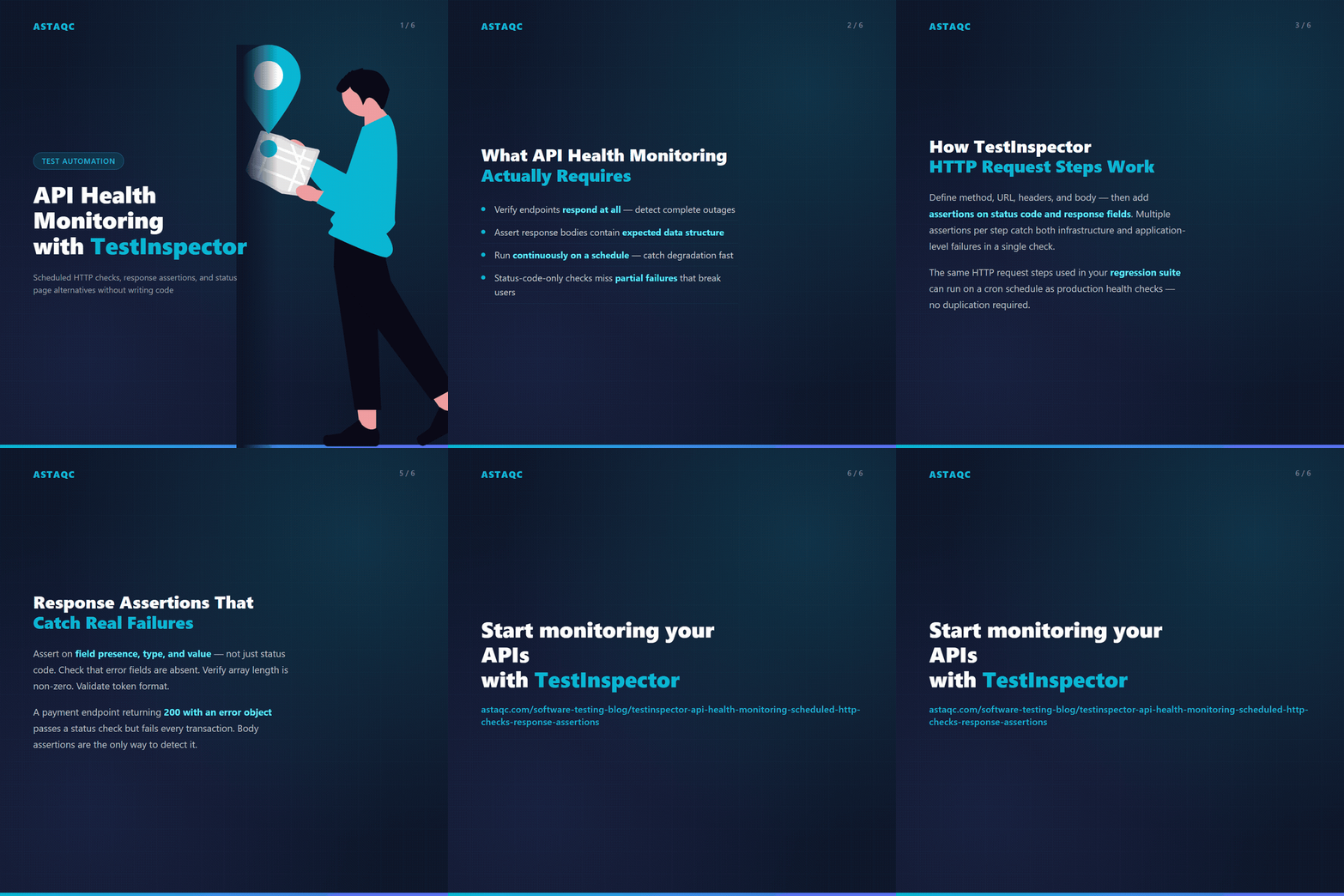
An HTTP request step in TestInspector defines a method (GET, POST, PUT, PATCH, or DELETE), a URL, optional headers and a request body, and a set of assertions to run against the response. Each assertion targets either the response status code or a field within the response body. Multiple assertions can run on a single request step, so a single check can verify both that an endpoint returns 200 and that the response body contains the expected schema fields in the same step.
TestInspector supports variable interpolation across all request fields, which makes health checks configurable without editing the test definition. The URL, request body, and header values can reference variables using the {{VAR_NAME}} syntax. Variables are resolved at runtime from the test scope first, then the suite scope, and then the organization scope. Secrets such as API keys or authentication tokens can be stored in encrypted storage at the organization level and referenced in health check steps without exposing the raw value in the test definition.
For health checks that require an authenticated session, TestInspector supports chained HTTP steps: a first step calls the authentication endpoint and asserts on the token in the response body, and subsequent steps use that token in their headers. The {{TOTP:secret}} variable type handles time-based one-time password authentication for endpoints that require 2FA.
| Assertion Type | What It Checks | Example Use Case |
|---|---|---|
| Status code equals | HTTP response code matches expected value | Verify 200 for health endpoint |
| Body field equals | JSON response field matches exact value | Assert status field equals “healthy” |
| Body field exists | JSON response contains the specified field | Verify auth token is present in response |
| Body contains string | Response body includes expected text | Assert error message is not present |
A health check suite differs from a functional test suite in purpose and scope. Functional tests verify that individual features work correctly under normal and edge-case conditions; health checks verify that the critical paths are operational right now. The health check suite should be narrower than the functional suite but run more frequently.
For most APIs, the health check suite covers four categories: infrastructure health checks (the /health or /status endpoint), authentication checks (the auth endpoint returns a valid token for known credentials), core data read checks (the primary list and get endpoints return the expected structure), and critical write checks (the primary create endpoint accepts valid input and returns the expected response). This set is typically 10—20 requests covering the endpoints that must be operational for the application to be usable.
In TestInspector, these checks live in a dedicated suite configured to run on a cron or interval schedule. Separating health checks into their own suite isolates them from the CI-triggered regression suite, so a health check failure raises an alert immediately without waiting for a CI run. The suite can be configured with a short interval (every 5 minutes for critical endpoints) or a longer interval (hourly for lower-priority endpoints). Teams managing performance testing alongside health monitoring will find that the same HTTP step format works for both, with the performance suite using load patterns and the health suite using scheduled single requests.
Shared variables at the suite or organization level make it straightforward to run the same health check suite against multiple environments. The base URL variable resolves to the production URL for the production health suite and to the staging URL for the staging health suite. Sensitive values like API keys are stored in encrypted organization-level variables and referenced from both suites without duplication.
Status code assertions are necessary but insufficient. An endpoint returning 200 is operational in the minimal sense, but a 200 response with an empty data array, a missing required field, or an error object in the body is a failure that status code monitoring will not detect. Adding body assertions to health check steps moves the detection point from “the endpoint responded” to “the endpoint responded correctly.”
The practical guidance is to add three types of body assertions to each health check step. First, assert on the presence of the primary response field: if the endpoint is supposed to return a token, assert that the token field exists. Second, assert on the format of a representative field: if the ID field is always a 24-character hex string, assert that it matches the expected pattern. Third, assert that no error fields are present: if the API uses an error key in the response body to communicate application-level errors, assert that this key is absent in the success path.
For more detailed guidance on structured API testing, see the complete software testing guide and Astaqc’s test automation services.
| Health Check Type | Status Only | Status + Body Assertion |
|---|---|---|
| Auth endpoint | Catches: endpoint down. Misses: token field missing, wrong format | Catches: endpoint down + token absent or malformed |
| List endpoint | Catches: endpoint down. Misses: empty array where data expected | Catches: endpoint down + data missing |
| Create endpoint | Catches: endpoint down. Misses: silent failure with error in body | Catches: endpoint down + application-level errors |
TestInspector sends notifications on test run failures through its standard alert channels. When a scheduled health check suite fails, the notification identifies the specific step that failed and the assertion that did not pass. Teams configure alert recipients at the suite or organization level, so the right person receives the failure notification without requiring all team members to monitor the dashboard continuously.
Critical endpoints — authentication, payment, and the primary data read path — warrant a check interval of 5 to 15 minutes. Less critical endpoints can run hourly. The check interval should be shorter than the mean time your team needs to respond to an incident, so that by the time a responder is paged, there are multiple data points confirming the failure rather than a single ambiguous result.
Yes. In TestInspector, the base URL and any environment-specific credentials are stored as suite-level or organization-level variables. Creating a separate suite for each environment that references the same test steps but uses environment-specific variable values is the standard approach. This means the assertion logic is defined once and runs in both production and staging without duplication.
Dedicated uptime monitoring services are simpler to set up for basic HTTP availability checks but limited in what they can assert on. TestInspector’s advantage is that the same tool that runs functional regression tests also runs health checks, using the same HTTP step format and the same assertion engine. For teams already using TestInspector for regression testing, extending it to health monitoring avoids adding another vendor and lets teams reuse existing test steps for monitoring purposes.
TestInspector’s self-healing auto-retry mechanism re-executes failed steps automatically before reporting the failure. This reduces false alerts from transient network issues or brief API latency spikes. If the retry also fails, the suite is marked as failed and the notification fires. Teams can review the run log and WebSocket streaming output to diagnose whether the failure was transient or represents a real degradation event.
Astaqc’s TestInspector page covers the full feature set. The test automation services page covers how Astaqc helps teams build and maintain API test suites. For a broader view of the software testing landscape, see the AI in software testing guide and the complete software testing guide.
When your test infrastructure already covers the critical API paths, running those same tests on a schedule gives you health monitoring without a separate status page tool or additional vendor dependency.
September 30, 2026


Sign up to receive and connect to our newsletter

We founded ASTAQC as a tight-knit group of professional Software Testers and software developers.
Subscribe to our Newsletter