September 16, 2026

TestInspector and Qase answer different questions about test management. Qase is a test case management system where QA engineers document what tests exist, track which have been executed, and report pass/fail results against specific releases—the execution itself is manual. TestInspector is an AI-native execution platform where tests are generated through a chat interface, stored as structured steps, and run automatically on real browsers without human involvement at execution time. For most web application teams, the practical choice is determined by whether test documentation or test execution is the current bottleneck: Qase addresses the former, TestInspector the latter.
The distinction matters because both tools appear to compete for the same budget line—“testing tool”—but they solve different problems. A team running manual regression cycles that take three days per sprint has an execution problem, not a documentation problem. A team whose manual testers cannot find the right test case to execute because there are thousands of undifferentiated entries in a spreadsheet has a documentation problem. Understanding which problem is causing the most friction determines which tool to evaluate. For teams deciding whether to add automation to an existing Qase workflow or replace Qase entirely with an execution platform, this guide covers the key differences, the feature gaps, and the scenarios where each tool is the better fit. For a broader view of testing strategies, see Astaqc’s manual vs. automated testing guide.
Qase is a test case management platform that provides a structured repository for test cases, test suites, and test runs. QA engineers write test cases in Qase by defining title, preconditions, steps, expected results, and priority. Cases are organized into suites and test runs are created by selecting a subset of cases to execute against a specific build or release. During a test run, QA engineers work through each case manually, marking each step as passed or failed and attaching screenshots or comments to failing cases. Qase aggregates the results into run reports that show pass rate, defect rate, and coverage across the selected suite.
Integration with issue trackers (Jira, Linear, GitHub Issues) allows QA engineers to link failing test cases directly to defect tickets. Integration with CI/CD pipelines allows automated test results from frameworks like Pytest, Jest, JUnit, and Robot Framework to be pushed into Qase via reporters, so automated runs appear alongside manual runs in the same dashboard. This dual view—automated results from CI alongside manual run records—is Qase’s primary value proposition for teams that mix automation and manual testing: a single view of all test activity regardless of execution method.
Qase is particularly well-suited for organizations with compliance requirements that mandate auditable test execution records, for teams with dedicated manual QA engineers who run structured regression cycles, and for enterprises that need to map test cases to requirements for traceability matrices. The tool does not execute tests itself; it manages and records what testers execute manually or what CI reports back automatically.
TestInspector is designed around a different premise: that most routine test execution should not require human involvement at run time. Instead of organizing tests as documents that a person executes, TestInspector stores tests as structured steps that a browser automation engine executes on a schedule or on demand. The entry point is an AI chat interface where testers describe what the test should do in plain language, and the AI generates structured test steps. Those steps run on Chrome, Firefox, Edge, or Safari via Selenium, with no test code to write or maintain.
The execution infrastructure distinguishes TestInspector from both Qase and traditional code-based automation frameworks. TestInspector handles selector drift through AI self-healing: when a test step fails because a UI element’s selector changed, the platform automatically retries with AI-suggested alternative selectors rather than failing the test and requiring a manual fix. Visual regression is built in through SSIM screenshot comparison—tests can assert that a page’s visual appearance matches an approved baseline, with crop and exclusion selectors to avoid false positives from dynamic content. For teams testing 2FA flows, variable interpolation supports {{TOTP:secret}} values so authentication steps can be automated without exposing secrets in test code.
TestInspector also includes capabilities that are entirely outside Qase’s scope: HTTP request steps (GET, POST, PUT, PATCH, DELETE) with status code and response body assertions allow API validation within browser test flows; accessibility assertions via axe-core allow automated WCAG compliance checks; and a scheduling system with cron, interval, and one-time triggers allows tests to run continuously in production without CI/CD pipeline involvement. For teams who eventually want the code, TestInspector exports to Playwright TypeScript, Selenium IDE format, and Gherkin. CI/CD integration is available via API trigger, and MCP tokens allow TestInspector to be driven from Claude Code, Cursor, and Claude Desktop. The browser extension records interactions for test step generation directly from the application. See TestInspector’s full feature overview for the complete capability list.
| Capability | Qase | TestInspector |
|---|---|---|
| Primary function | Test case management and execution tracking | AI-native no-code browser test execution |
| Test authoring | Manual: engineer writes title, steps, expected results | AI chat interface generates structured steps; browser extension records from app |
| Test execution | Manual (human marks pass/fail); CI push via reporters | Automated on Selenium; Chrome, Firefox, Edge, Safari |
| Self-healing | Not applicable (manual execution) | Yes — AI retry with alternative selectors on selector drift |
| Visual regression | Not built in | SSIM screenshot comparison with baseline approval |
| API testing | Not built in | HTTP request steps with status and body assertions |
| Accessibility testing | Not built in | axe-core assertions with severity levels |
| Scheduling | Not applicable | Cron, interval, one-time triggers; runs unattended |
| Variable / test data | Not built in | TOTP, timestamp, alphanumeric; encrypted storage; org/suite/test hierarchy |
| Jira/issue tracker integration | Yes — link test cases and results to Jira issues | Via CI/CD trigger API; not direct Jira linking |
| Test export formats | CSV, XLSX, PDF reports | Playwright TypeScript, Selenium IDE (.side), Gherkin |
| Audit-ready manual test records | Yes — full execution history with tester attribution | Run logs with timestamps; not structured for manual audit trails |
| Best for | Teams with structured manual testing workflows and compliance requirements | Teams that want automated browser coverage without maintaining test code |
The table above highlights the core trade-off: Qase is optimized for organizing and recording manual test execution; TestInspector is optimized for eliminating manual test execution on repetitive browser workflows. Teams with a mix of needs—manual exploratory testing tracked in Qase plus automated regression in TestInspector—can use both in parallel, since they occupy different parts of the testing process. The substitution scenario is specifically when a team’s manual regression cycles are the primary cost and a test case management system is no longer addressing that cost. Astaqc’s test automation services team typically evaluates both tools when advising clients on QA tooling transitions.
Qase remains the better choice when the core requirement is documented, auditable manual test execution records. This applies to organizations in regulated industries (medical devices, financial services, government contracts) where QA documentation must demonstrate that a human executed specific test cases and reviewed the results. It applies to teams building desktop, mobile native, or embedded software where browser-based automation does not cover the application surface. It also applies to teams where exploratory testing is the dominant QA activity—where the value is the tester’s judgment during execution, not the repeatability of the execution itself.
TestInspector is the better evaluation target when manual regression cycles are the QA team’s largest time cost. If your team spends two or three days per sprint executing the same suite of regression tests manually, and the tests are on a web application with stable enough flows to automate, TestInspector can reduce that cycle to the time it takes to review run results. The no-code authoring model matters here: teams that cannot hire automation engineers or do not have developer time to maintain a Playwright or Selenium framework can build and maintain automated coverage in TestInspector without those resources. Astaqc’s QA staffing team frequently recommends TestInspector to clients who need automation coverage faster than a custom framework can be built and maintained. For a full picture of how automation investment pays off, see the software testing cost guide.
A practical migration path for teams moving from Qase to TestInspector is to start with the top 20 regression cases by execution frequency—the tests that QA engineers run on every sprint. Convert those to TestInspector tests first, run them in parallel with the manual Qase execution for one sprint to validate that the automated results match the manual results, and then retire the manual execution of those specific cases. Expand the automation coverage over subsequent sprints, retiring Qase manual runs as each case is validated against the automated equivalent. This incremental approach avoids the risk of a full migration before confidence is established.
TestInspector stores tests as structured steps in a suite hierarchy and maintains a run history with timestamps and results, but it is not designed as a test case management system with Jira linking, traceability matrices, or audit-ready manual execution records. Teams that need Qase primarily for test documentation and stakeholder reporting will find TestInspector insufficient for that role. Teams that need Qase primarily to organize tests they execute manually will find that TestInspector eliminates the execution part of that workflow, making the documentation layer less necessary.
TestInspector integrates with CI/CD pipelines via an API trigger that allows test runs to be initiated from a GitHub Actions, GitLab CI, or Jenkins pipeline, and run results are available through the run log and WebSocket streaming. However, TestInspector does not have a direct Jira integration that links test cases to Jira issues or automatically creates defect tickets from failing runs. Teams that rely heavily on Qase’s Jira integration for defect lifecycle management will need to handle that linking manually or through CI pipeline webhook logic.
Tests that require a human to make a judgment call—“does this design look professional?”, “is this copy acceptable for the target audience?”—cannot be automated by any tool, including TestInspector. TestInspector automates the execution of deterministic assertions: does this element exist, does this text match, does this HTTP response contain this value. Exploratory testing, usability assessment, and anything requiring subjective judgment remain manual activities. For those test types, tracking in Qase or a similar TCM remains the appropriate approach.
Qase provides structured test case authoring with preconditions and expected results written in plain text, test case versioning, traceability linking to requirements, test plan creation for release cycles, multi-tester assignment and coordination, and compliance-ready execution records with tester attribution and timestamps. These are organizational and documentation capabilities that are outside TestInspector’s scope. TestInspector is an execution platform, not a test management platform, and that boundary is intentional.
Yes. A common pattern is to use Qase for managing exploratory test sessions, tracking manual test execution for compliance, and linking test activity to Jira issues, while using TestInspector for automated regression coverage of the application’s critical user flows. The two tools serve different parts of the testing process and do not overlap in a way that creates conflict. The transition question is whether the manual regression portion tracked in Qase is worth automating, at which point TestInspector handles the automated portion and Qase can be retained for the remaining manual activity or retired if that activity is small enough.
The practical migration starts by identifying the highest-frequency regression cases in Qase—the tests that run every sprint or every release. Convert those to TestInspector tests using the AI chat interface or the browser extension, run them in parallel with manual Qase execution for one release cycle to validate accuracy, and then retire the manual execution of those cases from Qase. Expand in subsequent cycles, prioritizing cases by execution frequency. For teams with large Qase test libraries, the goal is not to convert every case but to automate the high-frequency regression cases that consume the most QA time, leaving low-frequency edge case tests in Qase if they warrant occasional manual execution. See Astaqc’s testing services for support with this kind of migration planning.
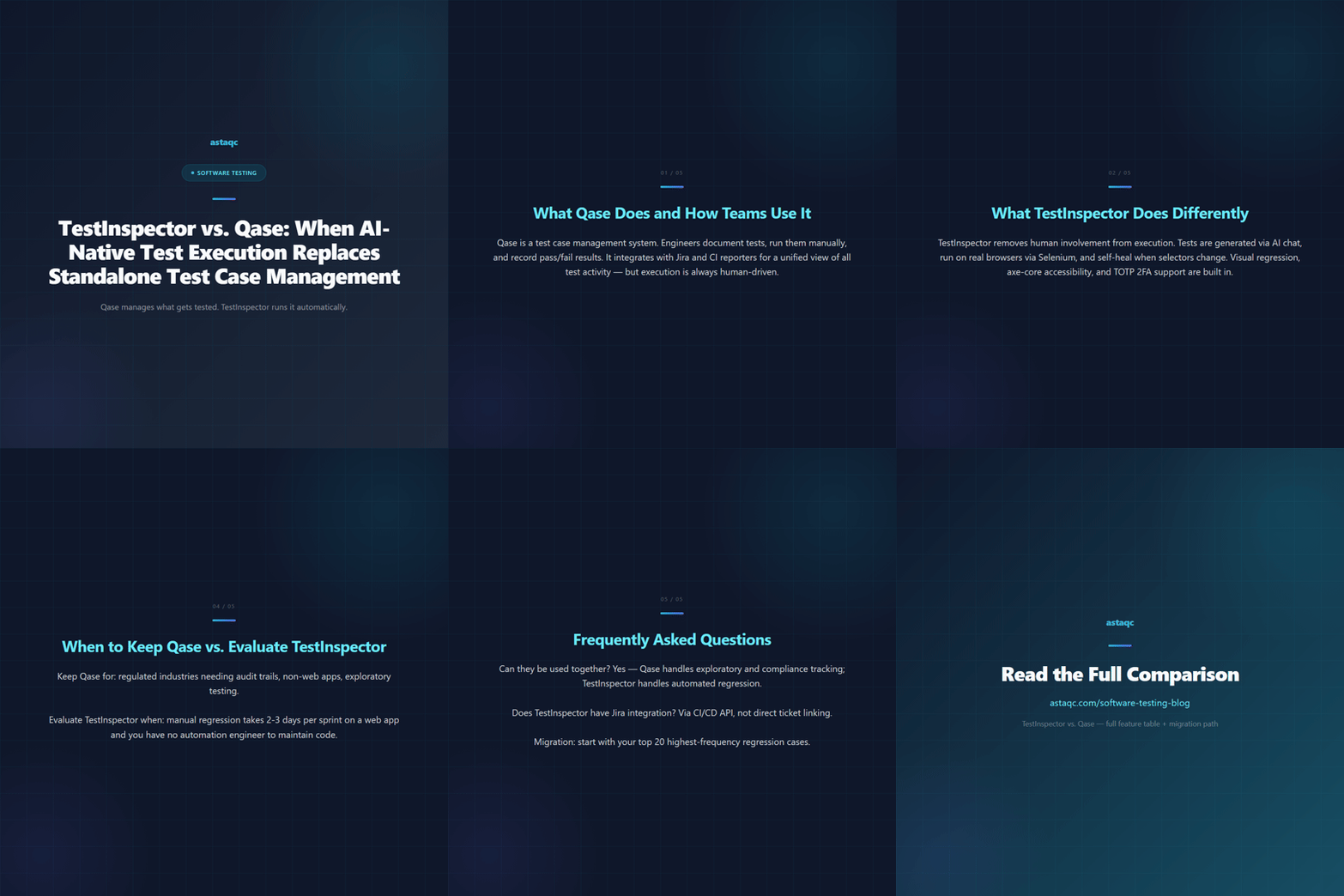
Qase organizes test cases as records; TestInspector executes them automatically. The choice depends on whether your bottleneck is documentation or execution speed.
September 16, 2026


Sign up to receive and connect to our newsletter

We founded ASTAQC as a tight-knit group of professional Software Testers and software developers.
Subscribe to our Newsletter