September 1, 2026
TestInspector and Checkly address different testing problems, and evaluating one against the other is only productive when the actual use case is clear. Checkly is a synthetic monitoring platform: it runs API checks and Playwright-based browser scripts against live environments on a schedule, surfaces failures through alert integrations, and provides a dashboard for production health visibility. TestInspector is an AI-native no-code test automation tool: it generates structured browser test steps from natural language, runs them against a URL in CI or on a schedule, and provides self-healing, visual regression, HTTP assertion, and accessibility testing capabilities without requiring engineers to write or maintain test code. The two tools overlap only at the edges—primarily in scheduled browser test execution—and understanding where they differ determines which one fits a given team’s coverage problem.
Teams that evaluate both tools typically land on Checkly when they have an existing Playwright codebase and want to run a subset of those tests as production monitors. They land on TestInspector when they need to build test coverage from scratch, lack QA engineers with a coding background, or are spending excessive time maintaining selector-based tests that break with every UI change. In some mature organizations, both tools run simultaneously: Checkly for uptime and regression visibility on production, TestInspector for pre-release coverage and CI-gating during development.
For teams building or expanding a test automation practice, the structural differences between the two tools affect not just the workflow but the long-term cost of maintaining test coverage. Astaqc’s test automation services and the complete guide to software testing both address how to think about coverage strategy before committing to a specific toolchain.
Checkly runs two types of checks against live environments. API checks send an HTTP request to an endpoint and assert on the response status code, response time, or specific fields in the response body. Browser checks run Playwright or Puppeteer scripts that open a real browser, navigate to a URL, interact with the UI, and assert on page state—checking that a button is visible, a form submits successfully, or a value appears in a specific element. Both check types run on configurable schedules: as frequently as once per minute or as infrequently as once per day.
When a check fails, Checkly routes the alert to Slack, PagerDuty, Opsgenie, email, or another configured destination. Multiple check groups can be organized into a dashboard that gives DevOps and platform teams a real-time view of production health across environments and regions. Checkly supports multi-region execution, so a browser check can run from data centers in the US, Europe, and Asia simultaneously, making it possible to detect region-specific performance degradation or routing failures.
The primary users of Checkly are DevOps engineers, platform engineers, and site reliability engineers who need ongoing visibility into production behavior. QA engineers who author Playwright test suites during development can also use Checkly to promote a subset of those tests to production monitors, maintaining a single test codebase that serves both pre-release and post-release verification. However, this requires the team to have authored the tests in Playwright already—Checkly does not generate tests or provide a no-code authoring workflow for teams that are starting from zero test coverage.
TestInspector is built around the premise that test authoring is the bottleneck in QA, not test execution. Its AI chat interface accepts a natural-language description of a test case and generates a sequence of structured steps: navigate to a URL, fill a field, click an element, assert on visible text, check an API response, verify a screenshot against a baseline. These steps are stored as structured data—not code—and run against real browsers (Chrome, Firefox, Edge, Safari) via Selenium. The person authoring the test does not need to understand CSS selectors, XPath, or asynchronous browser APIs; they describe what the test should do and the AI generates the steps.
When a UI change causes a step to fail because a selector no longer resolves—a common occurrence in teams that ship frequently—TestInspector’s self-healing mechanism detects the failure, attempts alternative selectors automatically, and surfaces AI-suggested replacements for the QA engineer to review and approve. This is a material operational difference from Checkly’s browser checks, which run Playwright code that requires a developer to diagnose and fix selector failures manually.
TestInspector’s feature set extends beyond what Checkly supports for browser testing. Visual regression testing via SSIM screenshot comparison with configurable baselines catches unintended layout changes that do not produce assertion failures in a step-based test. HTTP request steps (GET, POST, PUT, PATCH, DELETE) support status code, response body, and header assertions, providing API test coverage within the same test suite and the same interface as browser tests. Accessibility assertions via axe-core with severity level filtering allow teams to catch WCAG violations as part of their standard regression suite without running a separate accessibility tool. Variable interpolation supports dynamic test data through named variables with a test-to-suite-to-org hierarchy, encrypted storage for secrets, and built-in patterns for timestamps, alphanumeric strings, and TOTP codes for testing two-factor authentication flows.
TestInspector also integrates with AI coding tools via MCP tokens, enabling Claude Code, Cursor, and Claude Desktop to query the current test suite, generate new tests, and trigger runs directly from the IDE. Browser extension recording allows testers to capture interactions in Chrome and convert them to structured test steps. For teams that want to migrate from no-code authoring to code-based frameworks, TestInspector exports tests to Playwright TypeScript, Selenium IDE (.side format), and Gherkin, providing a path to code without forcing teams to start there. Full details are at TestInspector.
The practical consequence of these differences is that TestInspector is a complete test automation platform for teams without an existing code-based test infrastructure, while Checkly is a monitoring and alerting layer for teams that already have one. The manual testing vs. automated testing guide covers the strategic decision of where automation investment delivers the most coverage return, which is the upstream question before selecting either tool.
The table below covers the dimensions that matter most when evaluating the two tools for a specific team’s use case. The comparison is limited to objectively verifiable capabilities.
| Dimension | Checkly | TestInspector |
|---|---|---|
| Primary use case | Synthetic monitoring in production and staging | Pre-release test authoring and CI-gated execution |
| Test authoring | Playwright or Puppeteer code; basic no-code API checks | AI-generated structured steps; no code required |
| Execution trigger | Scheduled intervals (1 min to 24 h) | CI API trigger, cron/interval schedule, manual run |
| Target user | DevOps, platform, and SRE engineers | QA engineers, engineering managers |
| Self-healing tests | No; selector failures require manual code fixes | Yes; AI selector suggestions on step failure |
| Visual regression | Screenshots, but no SSIM diff or baseline workflow | SSIM comparison with baseline approval and exclusion selectors |
| Accessibility testing | Not natively supported | axe-core assertions with WCAG severity filtering |
| HTTP request steps | API check type (status, body, response time) | Full HTTP steps with status, body, and header assertions |
| Variable management | Environment variables | Scoped hierarchy with encryption, TOTP, and timestamp patterns |
| AI / MCP integration | No | Yes; MCP tokens for Claude Code, Cursor, Claude Desktop |
| Test export | Playwright export of browser checks | Playwright TypeScript, Selenium IDE, Gherkin |
| Browser coverage | Chromium via Playwright | Chrome, Firefox, Edge, Safari via Selenium |
| Alert routing | Slack, PagerDuty, Opsgenie, email, webhooks | Run results via WebSocket streaming and run history |
| Multi-region execution | Yes; configurable check regions globally | Not a primary feature; runs from configured environment |
Checkly is the right tool when the team already has a Playwright or Puppeteer codebase and wants to run a representative subset of those tests as production monitors without building separate monitoring infrastructure. The workflow is direct: existing test scripts are imported or reused as Checkly browser checks, schedule intervals are configured, and alert destinations are wired to the team’s incident management system. Teams that have invested in Playwright for pre-release testing can extend that investment to continuous production verification without duplicating the test logic.
Checkly also fits well for teams whose monitoring need is primarily API-level rather than browser-level. Simple uptime checks—endpoint returns 200, response time under 500ms, specific JSON field present—are a lightweight match for Checkly’s API check type, which requires no browser infrastructure and runs with minimal overhead. SRE and DevOps teams that need a production health dashboard with multi-region visibility and PagerDuty integration will find Checkly’s alerting and dashboard workflow purpose-built for their use case.
The prerequisite for Checkly’s browser check capabilities is that someone on the team knows Playwright and can write and maintain the check scripts. A team without that skill set will find that Checkly’s browser monitoring requires the same engineering investment as any other code-based test framework. For teams without an established automation practice, Astaqc’s software testing services can help assess what level of monitoring and testing coverage is appropriate before selecting tooling.
TestInspector is the better fit when the team needs to build test coverage from scratch without a code-based framework and without QA engineers who write production-quality automation code. The no-code authoring model removes the skill requirement that blocks many QA teams from reaching meaningful automated coverage: instead of hiring an SDET to write Playwright tests, a QA engineer describes test cases in natural language and the AI generates the executable steps. This makes TestInspector particularly valuable for small QA teams, teams where manual testers are transitioning to automation, and teams where developer time for test tooling is scarce.
TestInspector is also the better fit for teams where the UI changes frequently and the maintenance cost of code-based selectors has become a significant overhead. Self-healing reduces the time spent diagnosing and repairing broken steps after a frontend change—a cycle that can consume 30 to 50 percent of a QA team’s time in organizations with active frontend development. The combination of self-healing with structured step editing means that when a step does require human review, the QA engineer sees a clear description of what changed and a suggested fix, rather than a cryptic selector error in a JavaScript file.
TestInspector’s coverage scope—browser tests, API tests, visual regression, and accessibility checks in a single platform—is also relevant for teams that want to avoid maintaining multiple tools for different test types. A QA engineer can add an HTTP assertion step directly within a browser test workflow, check the UI layout against a SSIM baseline in the same run, and verify WCAG compliance without switching tools or test frameworks. For teams evaluating the full scope of testing types that a QA practice needs to cover, the guide to outsourcing QA and Astaqc’s QA team hiring guide address how coverage scope maps to team composition and tooling decisions.
TestInspector supports scheduled test execution—cron, interval, and one-time triggers—and can run tests against a production URL on a recurring basis. However, it does not provide the multi-region execution, alert routing integrations (PagerDuty, Opsgenie), or production health dashboard that Checkly is built around. Teams that need continuous production monitoring with alert routing to an incident management system will find Checkly’s feature set more complete for that specific workflow. TestInspector is better suited to scheduled pre-release verification than to continuous production monitoring.
Checkly provides a no-code interface for API checks—defining an endpoint, HTTP method, expected status code, and basic body assertions. Browser checks require writing Playwright or Puppeteer JavaScript. Teams that want no-code browser test authoring with Checkly-style monitoring capabilities will find that the two products serve adjacent but distinct needs. TestInspector’s AI-generated structured steps address the authoring gap that Checkly’s browser check model requires developers to fill manually.
Checkly does not have a self-healing mechanism. When a Playwright check fails because a selector no longer resolves, the check continues failing and firing alerts until a developer updates the script. TestInspector detects selector failures at the step level, attempts alternative selectors automatically as part of the run, and surfaces AI-generated suggestions for the QA engineer to review and approve. This makes TestInspector’s maintenance cost lower in proportion to how frequently the UI changes, because selector drift is handled at the tool level rather than requiring manual intervention every time.
TestInspector exposes a CI/CD trigger API that accepts a test suite ID or test ID, optionally overrides environment variables for the run, and returns run results via WebSocket streaming as the tests execute. This integrates with GitHub Actions, GitLab CI, Jenkins, and any CI system that can make an HTTP request. Checkly’s CI integration works differently: it runs checks on its own schedule rather than being invoked by a CI pipeline, though it can be configured to run checks in response to deployments via its own deployment integrations. The practical difference is that TestInspector fits into a CI/CD pipeline as a blocking quality gate, while Checkly runs independently of the pipeline as a monitoring layer.
Yes. Some teams use TestInspector to build and maintain pre-release test coverage—running in CI to gate deployments—and use Checkly to monitor production after deployment. TestInspector’s export to Playwright TypeScript provides a path for teams that want to promote a subset of their TestInspector tests to Checkly browser checks for production monitoring. For teams at the scale where both tools are in use, Astaqc’s software testing services can help structure the workflow between pre-release and post-release coverage. The software testing cost guide covers how to budget for tooling across the full testing stack.
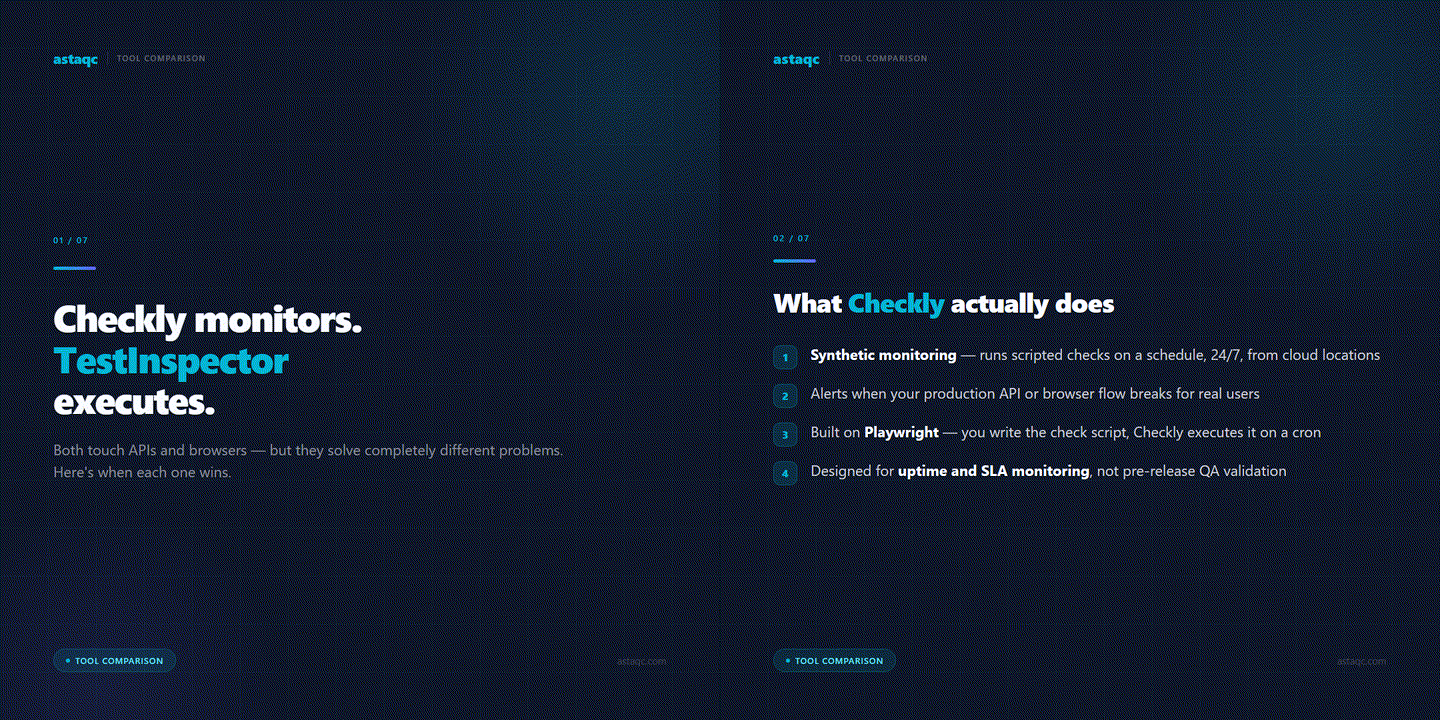
Checkly runs production monitors on a schedule; TestInspector builds pre-release test coverage without code. They solve different problems and often belong in the same team’s toolchain at different stages of the delivery pipeline.
September 1, 2026


Sign up to receive and connect to our newsletter

We founded ASTAQC as a tight-knit group of professional Software Testers and software developers.
Subscribe to our Newsletter


