How TestInspector Tests Multi-Step E-Commerce Flows: Cart State, Payment Assertions, and Order Confirmation Validation Without Code
E-commerce checkout is the highest-risk flow in most web applications: a failure at any step between add-to-cart and order confirmation directly removes revenue. TestInspector tests multi-step e-commerce flows through a combination of browser step sequences, HTTP request steps for payment API assertions, variable interpolation for order IDs and tokens, and visual regression snapshots at each confirmation state — all without writing test code.
TestInspector runs tests via Selenium on Chrome, Firefox, Edge, and Safari, and its HTTP request steps sit inline with browser steps in the same test sequence. This means a checkout test can navigate the browser to fill in a payment form, then immediately fire an HTTP POST to the payment gateway sandbox to verify the transaction record — without switching tools or writing glue code.
Why E-Commerce Test Automation Is Different From Other Web App Testing
E-commerce testing sits at the intersection of three problems that most other web app tests do not face.
State dependence. Each step in a checkout flow depends on the previous step completing correctly. A cart that disappears on page reload, a coupon code that fails silently, or a payment response that arrives out of sequence produces a failure that only shows up end-to-end, not in isolated unit or component tests.
Third-party system integration. Payment processing, shipping calculation, and inventory reservation call external APIs. These responses are asynchronous, have sandbox modes with specific test card numbers, and return structured responses that require assertion against schema fields, not just status codes.
High consequence of false passes. A test that checks the checkout page loaded but misses a silent payment failure gives a false green. The fix requires assertions at the HTTP layer, the DOM layer, and optionally the webhook layer. TestInspector addresses each problem through its combination of browser execution steps and HTTP request steps that carry values like order IDs and transaction tokens between steps via variable interpolation.
For a broader view of what automated testing can cover, see the complete guide to software testing.
Mapping the Key Checkout Flow Steps TestInspector Can Validate
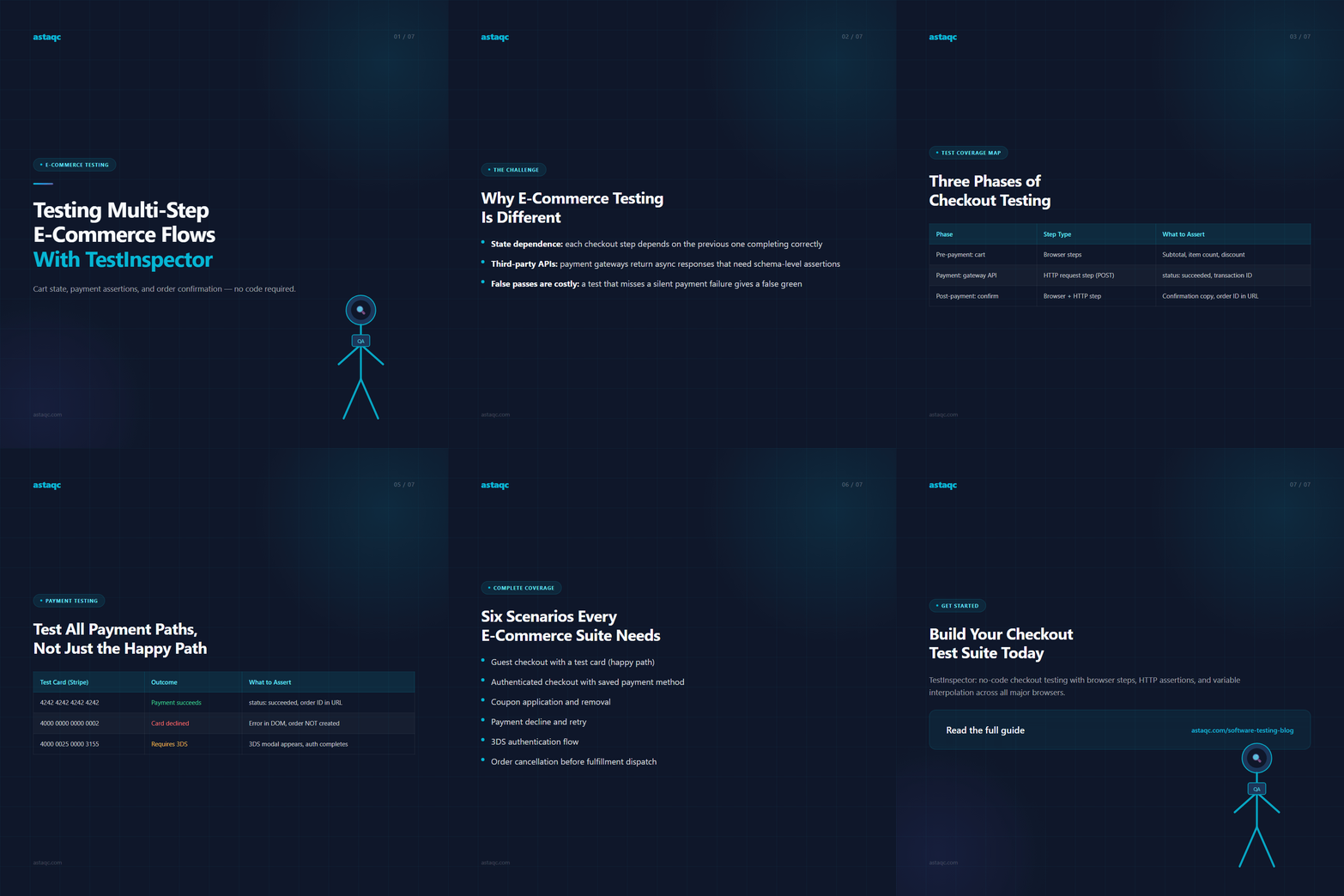
A complete checkout test covers three phases: pre-payment (cart management), payment (gateway interaction), and post-payment (confirmation and fulfillment signals).
| Phase | Step Type | What to Assert |
|---|---|---|
| Pre-payment: cart operations | Browser steps | Cart subtotal, item count, applied discount |
| Payment: gateway API call | HTTP request step (POST) | Status 200, payment intent succeeded, transaction ID present |
| Post-payment: confirmation | Browser step + HTTP step | Confirmation copy in DOM, order ID in URL, webhook event fired |
The critical design decision is to treat the payment API call as a first-class test step. TestInspector's HTTP request steps let you POST directly to the payment gateway's sandbox endpoint, assert the response body for "status": "succeeded", and capture the payment_intent_id as a variable for the confirmation step.
See test automation services and how to build a test automation strategy for 2026.
Cart State Assertions: Testing Add, Update, and Remove Operations
Cart state is deceptively difficult to test because it has two representations: the DOM state and the server-side state. These can diverge through a stale cache, a failed write, or a race condition during quantity update.
TestInspector's browser steps handle the DOM layer: navigate to a product page, assert the product title is present, click Add to cart and assert the counter increments, navigate to the cart page and assert the item with the correct price, update quantity to 2 and assert the subtotal updates, apply a coupon code and assert the discount line, remove the item and assert the empty state.
For the server-side layer, add an HTTP GET to your cart API after each mutation step and assert the item_count and total_price fields match the DOM values. Use {{PRODUCT_ID}}, {{COUPON_CODE}}, and {{QUANTITY}} set at the suite level to run the same test against different environments. See the TestInspector variable interpolation guide.
Payment Flow Testing: HTTP Steps, Status Code Assertions, and Sandbox Mode
Payment testing requires a clear boundary: never use real cards in automated test environments. TestInspector's HTTP request steps support direct sandbox API calls with test cards, browser-driven checkout with payment assertion, and webhook validation.
| Test Card (Stripe) | Outcome | What to Assert |
|---|---|---|
| 4242 4242 4242 4242 | Payment succeeds | status: succeeded, order ID in confirmation URL |
| 4000 0000 0000 0002 | Card declined | Error message visible in DOM, order NOT created |
| 4000 0025 0000 3155 | Requires 3D Secure | 3DS modal appears, authentication flow completes |
See TestInspector HTTP request steps and TestInspector payment integration testing.
Order Confirmation and Post-Purchase Validation
Order confirmation testing is where most suites stop too early. Use HTTP steps to GET /api/orders/{{ORDER_ID}} and assert "status": "confirmed". Email confirmation testing uses an HTTP request step pointing to Mailosaur or Mailtrap.
A complete e-commerce test suite covers: guest checkout with a test card, authenticated checkout with a saved payment method, coupon application and removal, payment decline and retry, 3DS authentication flow, and order cancellation before fulfillment dispatch.
Frequently Asked Questions
What types of e-commerce flows can TestInspector automate?
TestInspector can automate product search, add-to-cart, quantity update, coupon application, address entry, payment processing with test cards, and order confirmation. HTTP request steps validate payment gateway responses and post-purchase API states in the same test sequence.
How does TestInspector handle payment testing without real cards?
TestInspector's HTTP request steps accept any URL and headers, so you can call Stripe, Braintree, or Razorpay sandbox endpoints with published test card numbers. Browser-driven card input works with test credentials entered via browser steps.
How do I carry the order ID across test steps?
Use variable interpolation. After the confirmation page loads, extract the order ID from the URL or DOM and store it as {{ORDER_ID}}. Use {{ORDER_ID}} in subsequent HTTP steps that query your orders API.
Get Started with E-Commerce Test Automation
If you want to build a no-code checkout test suite, TestInspector lets you create, run, and schedule tests without writing any test code. See Astaqc's test automation services and software testing services.
Treat the payment API call as a first-class test step, not an implicit side effect of clicking Pay — the confirmation page can render even when the payment record has not been written.
Astaqc Team
November 5, 2026