September 17, 2026

TestInspector and Checkly solve different problems. Checkly is a monitoring-first platform: you write JavaScript-based browser and API checks that run on a schedule from distributed locations to verify that your application is live and responsive in production. TestInspector is a no-code AI-native test automation tool where tests are authored through a conversational interface as structured steps, run on-demand or on a schedule via Selenium, and are designed to build pre-deployment functional coverage without writing code. If your primary need is continuous uptime verification and production alerting, Checkly is purpose-built for that. If your primary need is building a functional test suite that covers user workflows, form submissions, data validation, and API response correctness before deployment, TestInspector addresses that without the JavaScript overhead Checkly requires. Teams that need both will often run both: Checkly for production health checks, TestInspector for pre-deployment regression coverage.
The practical difference between the two tools becomes clear when you map them to the test lifecycle. Checkly occupies the monitoring and observability layer: checks run continuously against your production or staging environment, alert on failures, and give you geographic visibility into latency. TestInspector occupies the pre-release testing layer: tests run in CI pipelines, catch regressions before they reach production, and cover the functional scenarios that would be impractical to run continuously against production. The confusion arises because Checkly also supports scheduled checks against staging and because TestInspector supports scheduled production smoke tests—the overlap in capabilities makes the decision non-obvious. This comparison covers where each tool performs best, the scenarios where they are not substitutes for each other, and the cases where switching from one to the other makes practical sense. For broader context on choosing between testing tools, see Astaqc’s guide to manual and automated testing.
Checkly checks are written in JavaScript or TypeScript using Playwright for browser interactions and native fetch or Axios for API requests. A Checkly browser check is essentially a Playwright test script: you navigate to a URL, interact with elements, assert on content, and the check runs on Checkly’s cloud infrastructure from whatever geographic locations you configure (Americas, Europe, Asia-Pacific, and others). Checks can run as frequently as every 10 seconds (for API checks) or every minute (for browser checks). Failures trigger alerts through Slack, PagerDuty, email, webhooks, and other integrations. Checkly’s monitoring-as-code model lets you define checks, alert configurations, and environments in a JavaScript/TypeScript configuration file managed in source control, which can be version-controlled alongside application code.
Checkly also supports multi-step API checks (sequences of HTTP requests with response assertions) and check groups (sets of related checks that share configuration). Environment variables, secrets, and reusable logic (Snippets) can be shared across checks. Playwright test results include screenshots and traces when checks fail, which provides diagnostic context without requiring a separate run. The platform positions itself at the intersection of end-to-end testing and synthetic monitoring, with the argument that the same Playwright scripts used for pre-deployment testing should also run continuously in production to verify real-world behavior. Astaqc’s test automation services team has used Checkly in production monitoring contexts where a small set of critical user paths needed continuous verification alongside a broader pre-deployment suite.
TestInspector’s test creation model is fundamentally different from Checkly’s. Tests are created through an AI chat interface: you describe what you want to test in natural language, and the AI generates structured test steps (not code). Each step is a discrete, editable action—navigate to a URL, click an element, fill a form field, assert on a value, send an HTTP request and check the response. The absence of code means that QA engineers without programming skills can create, edit, and maintain tests without a developer, and that teams do not need to manage a JavaScript test framework, install Node.js dependencies, or debug Playwright version compatibility issues.
Tests run via Selenium on Chrome, Firefox, Edge, and Safari. Self-healing functionality handles selector drift: when a test element cannot be found, TestInspector retries with AI-generated alternative selectors before failing the step, reducing the maintenance burden for test suites on actively developed UIs. Visual regression testing compares screenshots against approved baselines using SSIM analysis, with crop and exclusion selectors for dynamic content regions. HTTP request steps (GET, POST, PUT, PATCH, DELETE) support status and body assertions, which covers API endpoint testing in the same test suite as browser steps. Accessibility assertions via axe-core can check WCAG conformance at the page level. Variable interpolation supports test data management with team/suite/org-level variable scoping and encrypted storage for credentials.
For CI/CD integration, TestInspector exposes a trigger API that starts test runs programmatically from a pipeline stage, with WebSocket-based streaming that allows live run status to be monitored without polling. The MCP server integration lets AI coding tools (Claude Code, Cursor, Claude Desktop) create and trigger TestInspector tests as part of AI-assisted development workflows. Test suites can be exported to Playwright TypeScript, Selenium IDE, or Gherkin for teams that want a code artifact. For teams that need to cover multi-tenant authorization flows, TestInspector supports organization/admin/member role hierarchies with team-based test management, which Checkly does not address at the same level of granularity. See the full overview at TestInspector and Astaqc’s testing services page for implementation support.
| Feature | TestInspector | Checkly |
|---|---|---|
| Test authoring | AI chat interface generates structured steps (no code) | JavaScript/TypeScript (Playwright for browser, fetch/Axios for API) |
| Browser execution | Selenium: Chrome, Firefox, Edge, Safari | Playwright: Chromium, Firefox, WebKit |
| API testing | HTTP request steps with status and body assertions | API checks: single or multi-step with response assertions |
| Self-healing | AI selector suggestions on failure with auto-retry | Not available; locator strategy is developer-managed |
| Visual regression | SSIM screenshot comparison with baseline approval | Playwright screenshots on failure only; no baseline comparison |
| Scheduling | Cron, interval, one-time triggers | High-frequency scheduling (10 seconds to 1 hour) for continuous monitoring |
| Geographic distribution | Not a primary feature | Core feature: runs from global data centers |
| Production alerting | CI/CD failure notifications via trigger API | Native: Slack, PagerDuty, OpsGenie, webhooks, email |
| Accessibility testing | axe-core assertions with WCAG severity levels | Not natively supported |
| Coding requirement | None (structured steps, no code required) | JavaScript or TypeScript required for all check authoring |
| Test exports | Playwright TypeScript, Selenium IDE, Gherkin | Monitoring-as-code (Checkly CLI, source-controlled config) |
| MCP integration | MCP tokens for Claude Code, Cursor, Claude Desktop | Not available |
| Primary use case | Pre-deployment functional regression testing | Synthetic monitoring and post-deployment uptime verification |
The table highlights the core trade-off: Checkly requires JavaScript authoring skills but is designed for continuous production monitoring with geographic distribution; TestInspector requires no coding skills and is designed for building pre-deployment regression coverage at scale. A team that already writes Playwright tests for pre-deployment coverage can extend Checkly to handle production monitoring from the same codebase. A team that needs broad functional coverage without JavaScript expertise will find TestInspector more accessible and sustainable to maintain.
TestInspector is the better choice when the team’s bottleneck is building pre-deployment test coverage, not monitoring production uptime. QA teams that rely on manual testing for regression coverage, engineering teams that have avoided automation because of framework complexity, and product teams that need functional test coverage across multiple user workflows will benefit most from TestInspector’s no-code authoring model. The self-healing capability is particularly valuable in early-stage products with actively changing UI selectors, where a code-based test suite would require constant developer attention to fix broken locators. If the team is already using Checkly for production monitoring and needs to add systematic pre-deployment test coverage, TestInspector complements rather than conflicts with that setup.
Teams using AI-assisted development workflows (Claude Code, Cursor, or similar tools) will find TestInspector’s MCP server integration useful for generating and running tests as part of the development loop rather than treating testing as a separate post-development phase. This is a meaningful shift in workflow: tests can be generated from the same AI session that produces the code, triggered immediately, and results fed back into the development context. Checkly does not have an equivalent MCP integration. For teams building multi-tenant SaaS applications with complex authorization flows, TestInspector’s organization/admin/member role model and variable scoping at org, suite, and test levels supports test data management scenarios that Checkly’s check configuration model does not cover. Astaqc’s QA team can help evaluate whether TestInspector fits a given team’s workflow and coverage gaps.
Checkly is the right choice when the primary need is continuous uptime verification from multiple geographic regions with fast alerting when production breaks. If the team ships frequently and needs to know within minutes whether a deployment broke a critical path—the login flow, the checkout process, the API endpoint that serves mobile clients—Checkly’s high-frequency scheduled checks and native alerting integrations (PagerDuty, OpsGenie, Slack) are designed for that. No equivalent to Checkly’s geographic distribution and sub-minute check frequency exists in TestInspector. Teams with existing Playwright expertise who want monitoring-as-code—checks defined in source control, version-controlled alongside application code, deployed through a CI pipeline—will find Checkly’s CLI model a natural extension of existing tooling. Checkly is also the better fit for API monitoring specifically: multi-step API checks that verify authentication flows, test response latency percentiles, and alert on degraded API performance are a Checkly strength that goes beyond what TestInspector’s HTTP request steps are designed for. For teams at the evaluation stage, Astaqc’s testing cost guide provides a framework for budgeting across monitoring and testing layers.
Not directly. Checkly is designed for continuous production monitoring with high-frequency runs (as often as every 10 seconds for API checks), geographic distribution, and native alerting integrations that page on-call teams. TestInspector’s scheduled runs support cron-based smoke testing against production, but it does not offer equivalent geographic distribution or sub-minute check frequency. Teams that need production alerting on critical path failures should use Checkly or a similar synthetic monitoring platform. TestInspector is most effective as the pre-deployment regression layer that catches bugs before they reach production.
Checkly can run pre-deployment checks against a staging environment, and if the team already writes Playwright tests for regression purposes, those can run through Checkly. However, Checkly requires JavaScript/TypeScript for all check authoring, which means QA engineers without programming skills cannot own or maintain checks independently. TestInspector’s no-code model enables QA engineers to build and maintain a broad regression suite without a developer-in-the-loop for every test change. The choice depends on whether the team has JavaScript expertise available for test maintenance and whether test ownership needs to be in QA hands specifically.
TestInspector runs tests on cloud infrastructure but does not offer multi-region geographic distribution as a feature. The emphasis is on functional correctness and UI state verification across browsers rather than latency measurement from specific geographic locations. Geographic performance verification—checking that your API responds within an SLA from Tokyo, Frankfurt, and Sao Paulo simultaneously—remains a Checkly use case. For application functional behavior that should be location-independent, TestInspector provides sufficient cloud-based execution.
No. Checkly checks require JavaScript or TypeScript, and the Checkly CLI uses a code-based configuration model. Non-technical team members cannot author or maintain Checkly checks without developer involvement. This is a deliberate product positioning: Checkly targets developer-owned monitoring workflows. TestInspector was built to address the opposite scenario: teams that need automation coverage but do not have the bandwidth or skill set for code-based test authoring. The choice between them often reflects team composition as much as technical requirements.
Checkly’s API checks support multi-step request sequences, response time assertions, and geographic execution—making them well-suited for verifying that your API endpoints are reachable, performant, and returning correct status codes continuously in production. TestInspector’s HTTP request steps (GET, POST, PUT, PATCH, DELETE) support body and status assertions within a test flow that may also include browser steps, which is designed for validating API behavior as part of a user workflow test rather than as a standalone continuous monitor. If the use case is continuous API health monitoring with latency SLAs, Checkly is the more appropriate tool.
Many teams use both: Checkly for a small set of critical-path production monitors (login, checkout, API availability) that run continuously and alert immediately on failure, and TestInspector for the broader regression suite that runs in CI before each deployment and covers the functional scenarios that would be impractical to monitor continuously. The two tools operate on different parts of the test lifecycle and do not conflict. See Astaqc’s complete software testing guide for how to structure testing across layers.
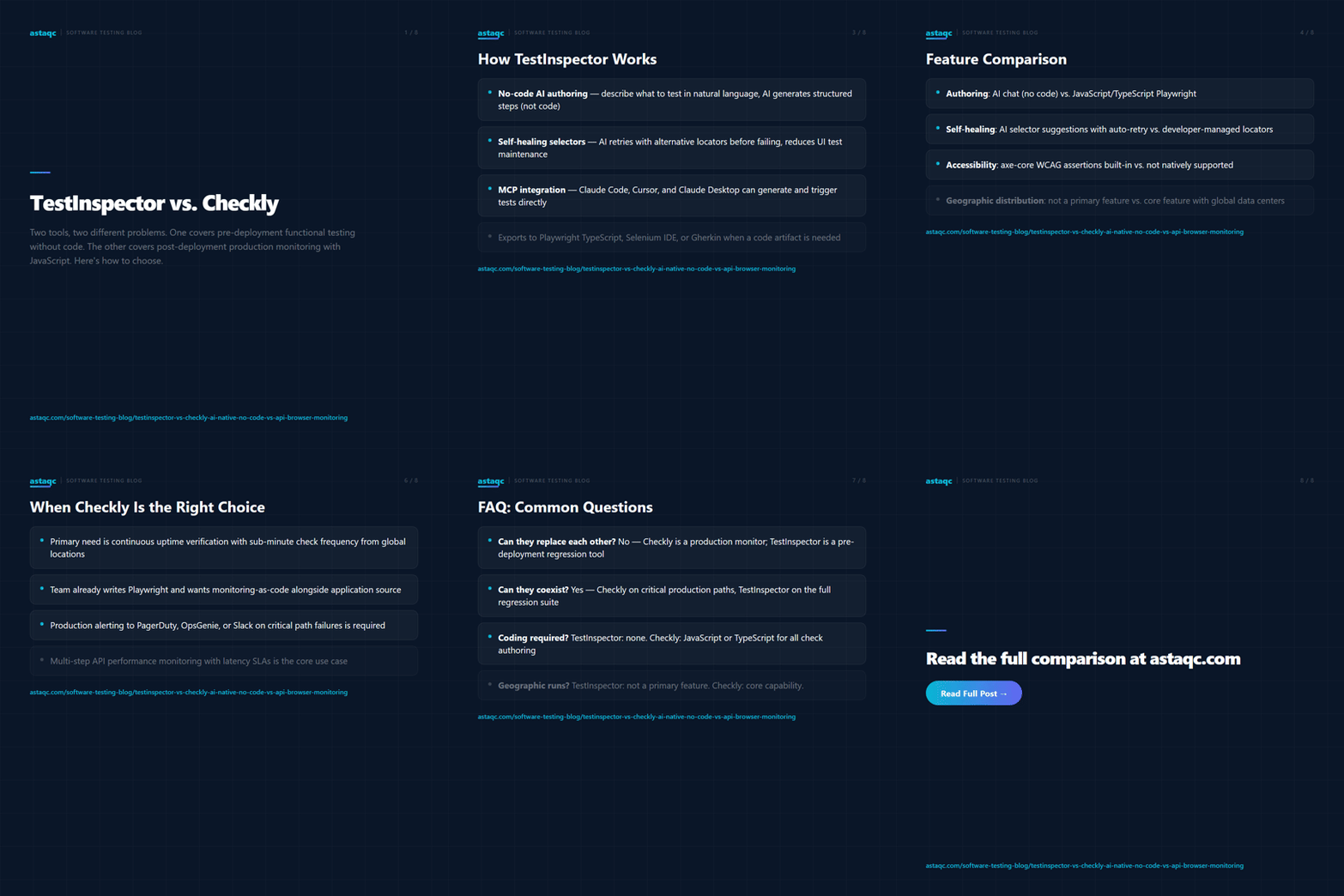
Checkly and TestInspector are not competitors. One monitors what is already running in production; the other verifies that what you are about to deploy does not break what is already running.
September 17, 2026


Sign up to receive and connect to our newsletter

We founded ASTAQC as a tight-knit group of professional Software Testers and software developers.
Subscribe to our Newsletter