October 15, 2026

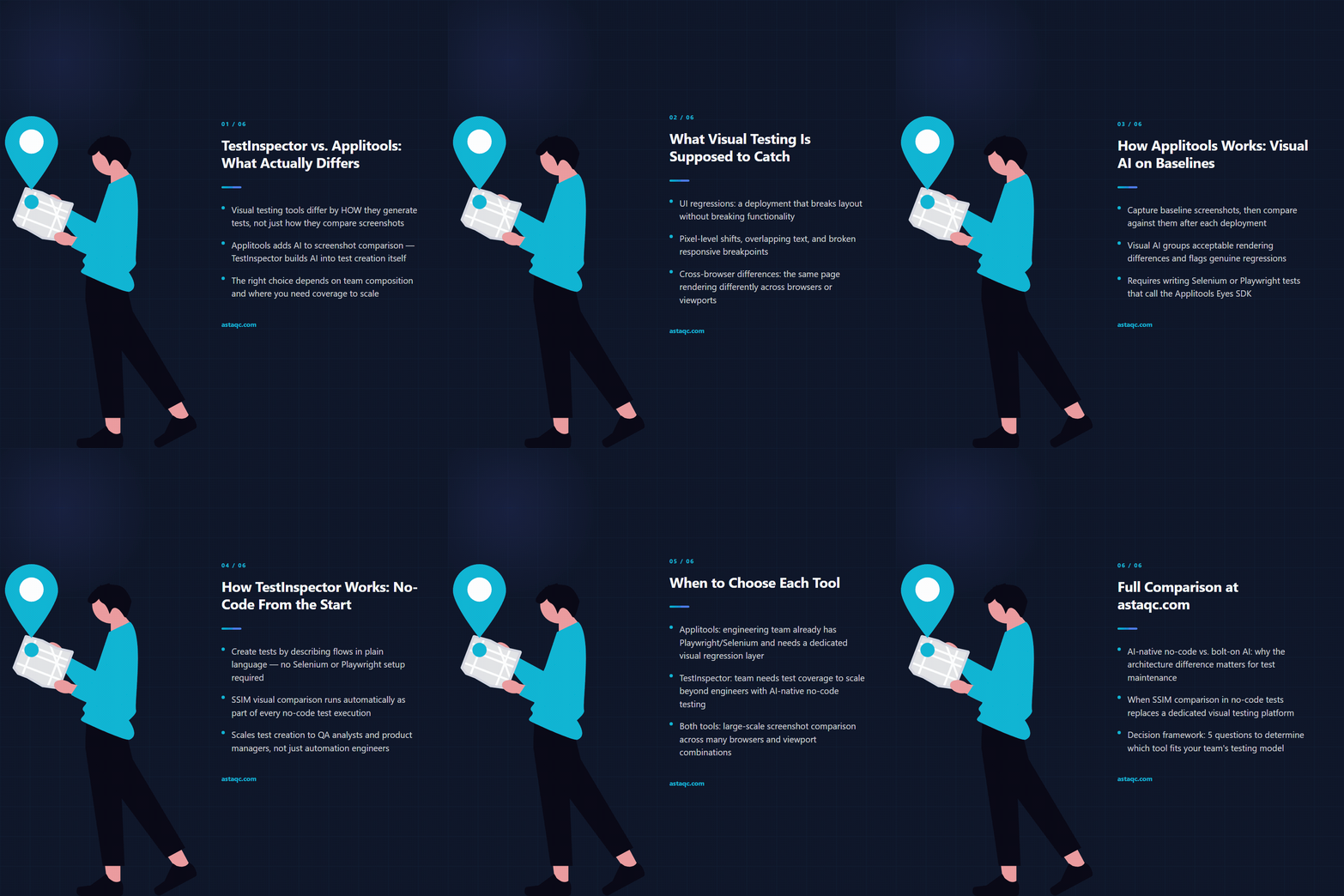
The difference between TestInspector and Applitools is not a matter of one being newer or more polished — it is a difference in architecture and who the tool is designed for. Applitools is a dedicated visual testing platform: it adds a sophisticated AI-powered comparison layer on top of test scripts written in Selenium, Playwright, or Cypress. TestInspector is an AI-native no-code testing platform: test creation, execution, and visual comparison are all handled through a conversational AI interface with no scripting required. The two tools solve adjacent problems in different ways, for different teams.
This comparison covers what each tool actually does, how it handles visual testing, and the scenarios where one is the stronger choice. For teams evaluating visual testing tools in 2026, Astaqc’s test automation services include tool selection and proof-of-concept engagements. The complete software testing guide covers the testing pyramid and where visual testing fits within it.
Visual testing catches regressions that functional tests miss: a change that does not break any assertion but breaks the UI. A button that shifts 10 pixels, a heading that wraps incorrectly on mobile, a color token that changes silently in a design system update — none of these would fail a functional test, but all of them would be caught by a visual regression baseline comparison.
The value of visual testing scales with application complexity. A simple static page with few components benefits less than a complex application with many UI states, responsive breakpoints, and multiple supported browsers. The question for most teams is not whether visual testing is worth doing, but how to integrate it without adding a significant maintenance burden.
Applitools Eyes is a visual AI comparison platform that integrates with existing test frameworks through an SDK. A test that includes Applitools calls eyes.check() at points in the test where a visual assertion is needed. Applitools captures a screenshot, uploads it to the Applitools cloud, and compares it against a baseline using its Visual AI algorithm. If the comparison fails — or if no baseline exists yet — the result is flagged for review in the Applitools dashboard.
The Applitools Ultrafast Grid runs the same visual check across multiple browser, viewport, and device configurations in parallel, allowing a single test execution to validate appearance across Chrome, Firefox, Safari, and a range of mobile screen sizes without running the test suite multiple times. This is one of Applitools’ core differentiators: cross-environment visual coverage from a single test run.
Integration requires adding the Applitools SDK to an existing test project, configuring an API key, and wrapping test steps with eyes.open() and eyes.close() calls. Teams using Playwright, Selenium, Cypress, or WebdriverIO can add Applitools to their existing projects. The Applitools dashboard handles baseline management, comparison results, and review workflows.
Applitools pricing is based on Applitools Checkpoints — the number of visual assertions run per month. Teams running large test suites with many visual checkpoints across multiple environments can accumulate checkpoint costs quickly. The pricing model means that adding visual assertions to every test and every viewport multiplies cost proportionally.
TestInspector includes visual regression as a step type within its no-code test editor. A visual assertion step captures a screenshot of the current page or a defined element, stores it as a baseline on first run, and compares it against the baseline on subsequent runs using SSIM (Structural Similarity Index Measure). If the comparison score falls below the configured threshold, the step fails and the run log shows both the baseline and the captured screenshot for review.
TestInspector’s visual regression supports crop selectors — a defined region of the page to compare rather than the full viewport — and exclusion selectors, which mask dynamic content like timestamps, ad slots, or user-specific data before comparison. This addresses one of the most common sources of false positives in visual testing: content that legitimately changes between runs but should not trigger a visual failure.
Baseline approval works through the test management UI: when a visual comparison produces a result that should become the new baseline — after a deliberate design change, for example — the QA engineer approves the new screenshot, which replaces the stored baseline. Tests continue running against the approved baseline until the next approval.
Visual regression in TestInspector runs in the same Selenium-driven browser session as functional tests, on Chrome, Firefox, Edge, or Safari. There is no separate visual testing infrastructure or per-checkpoint pricing. Visual assertions are part of the same test, the same run, and the same reporting as functional assertions.
| Dimension | TestInspector | Applitools Eyes |
|---|---|---|
| Visual comparison method | SSIM screenshot comparison with configurable threshold | Visual AI (layout, content, strict modes) |
| Integration model | Built-in step type in no-code editor | SDK added to existing Playwright/Selenium/Cypress code |
| Cross-browser visual testing | Sequential; runs on each configured browser | Parallel via Ultrafast Grid; many browsers in one run |
| Dynamic content handling | Exclusion selectors mask regions before comparison | Ignore regions, floating regions, content mode |
| Baseline management | Approval in TestInspector dashboard | Review and approval in Applitools dashboard |
| Pricing model | Per-seat subscription; no per-checkpoint cost | Checkpoint-based; more assertions = higher cost |
| Code requirement | No code; visual steps configured in the UI | Requires Selenium/Playwright/Cypress code with SDK integration |
| Functional + visual in same test | Yes; visual and functional assertions share the same test | Yes; eyes.check() is added within existing functional tests |
The fundamental difference is architectural: Applitools is a dedicated visual testing layer added to a code-based framework; TestInspector is a unified no-code platform where visual assertions are one of several step types available in the same editor. For teams that already run Playwright or Selenium, Applitools adds visual coverage without requiring a new tool. For teams that have not built a code-based test suite, TestInspector provides visual regression alongside functional, API, and accessibility testing without any framework setup.
Astaqc’s software testing services help teams evaluate whether their visual testing requirements call for a dedicated tool or an integrated approach. The hire a QA team page covers how to staff teams with the right skills for the automation approach being used.
SSIM and Applitools Visual AI take different approaches to comparison. SSIM computes a structural similarity score between two images and fails when the score falls below a threshold; it is sensitive to pixel-level changes across the compared region. Applitools Visual AI uses a trained model to differentiate meaningful visual changes from acceptable variation — it is less likely to flag anti-aliasing differences or minor rendering variation as failures, which reduces false positives on applications with dynamic rendering. For teams where false positives are a significant source of test maintenance, Applitools’ AI comparison is a meaningful advantage. For teams where baseline images are stable and dynamic content is handled through exclusion selectors, SSIM comparison is effective and requires no external pricing model.
TestInspector runs visual assertions in the browser configured for each test run. Cross-browser visual testing in TestInspector requires running the same test suite in separate browser configurations — Chrome, Firefox, Edge, Safari — which can be scheduled independently. Applitools’ Ultrafast Grid captures visual checkpoints across many browser and viewport configurations in parallel from a single test execution, which is faster when broad cross-browser visual coverage is the primary requirement. Teams prioritizing visual parity across a matrix of browser and device combinations will find Applitools’ cross-environment parallelism more efficient.
Applitools tests rendered appearance; it does not test functional behavior such as form submissions, navigation, API responses, or access control. Applitools is used alongside functional tests, adding visual assertions at specific points in existing test flows. It does not replace a functional testing tool; it extends one. TestInspector covers both functional and visual assertions in the same no-code editor, which consolidates the test authoring surface for teams managing both concerns.
Adding Applitools to an existing Playwright project involves installing the Applitools SDK package, configuring the API key, and adding eyes.open(), eyes.check(), and eyes.close() calls to the tests where visual assertions are needed. The initial integration takes a few hours for a developer familiar with the Playwright test structure. Establishing baselines requires a full test run across all browser and viewport configurations — this first run generates baselines rather than comparisons. After baselines exist, subsequent runs produce comparison results. The maintenance burden is in managing baselines as the application evolves: each deliberate design change requires approving new baselines for affected checkpoints.
TestInspector is designed for teams without dedicated QA engineers who write code. Visual assertions, functional steps, API tests, and accessibility checks are all configured through the no-code editor using the AI chat interface or the browser extension for recording. Applitools requires integrating an SDK into a code-based test framework — Playwright, Selenium, or Cypress — which requires a developer or an engineer comfortable with the framework’s language. For teams where QA is performed by non-engineers or by engineers who focus on product and feature work rather than test framework maintenance, TestInspector’s no-code model is the more accessible choice.
Yes. Some teams use TestInspector for functional, API, and accessibility testing while retaining Applitools for cross-browser visual testing at scale. The tools address different parts of the testing problem and are not mutually exclusive. Astaqc’s test automation services include tool selection assessments that help teams determine which combination of tools covers their requirements without creating redundant tooling or operational overhead.
Dedicated visual AI comparison adds real value when cross-browser rendering differences are a product concern and test volume justifies the checkpoint cost. When visual regression is one requirement among many — alongside functional, API, and accessibility coverage — a unified no-code tool avoids the overhead of maintaining a separate visual testing layer.
October 15, 2026


Sign up to receive and connect to our newsletter

We founded ASTAQC as a tight-knit group of professional Software Testers and software developers.
Subscribe to our Newsletter


