How to Test npm Packages in Isolation in 2026: Why Monorepo Tests Are Not Enough and What Changes When You Test the Published Package
Testing an npm package in isolation means installing the package as a consumer would — from its published tarball or a local pack output — rather than importing it directly from the monorepo source. This distinction matters because the published package's exports, TypeScript declarations, bundled assets, and conditional export paths can differ substantially from what the monorepo's internal imports resolve to, and those differences are where the bugs that reach users live. A thorough package isolation test validates the package's public API surface, its CJS and ESM entry points, its type declarations, and its behavior in both Node.js and browser environments, using only what a downstream consumer would have access to.
The Gap Between Monorepo Tests and Published Package Behavior
When a package lives in a monorepo, the tests that run in CI during development almost always import the package source directly — through workspace protocol paths, TypeScript path aliases, or symlinked node_modules. This is fast and convenient during development, but it means the test suite is not testing the same artifact that gets published to the registry.
The divergence between monorepo source and published package is wider than most teams expect. The published tarball includes the output of a build step — compiled JavaScript, bundled assets, type declarations generated from TypeScript source — that the monorepo's direct imports bypass entirely. The package.json exports field, which determines how the package is resolved in different module systems and environments, is evaluated by the consumer's bundler or Node.js module resolver, not by the monorepo's internal tooling. And the files field in package.json controls which files are included in the tarball, which means source files that are accidentally excluded or accidentally included only appear as a problem when the package is consumed from the registry.
The class of bugs this gap produces is consistent across projects:
- CJS and ESM entry points that work in the monorepo but resolve incorrectly for consumers using one or the other module system
- TypeScript type declarations that compile correctly in the source but are missing or incorrect in the distributed .d.ts files
- Conditional exports that are defined incorrectly and send bundlers or Node.js to the wrong file
- Peer dependencies that are satisfied in the monorepo by the workspace's shared node_modules but are missing or at the wrong version for downstream consumers
- Source files included in the tarball that expose internal implementation details consumers should not depend on
The fix is straightforward: add a test stage to your CI pipeline that installs the package from its published form before running the consumer-facing tests. The setup cost is low, the coverage is high, and the bugs this catches are exactly the ones that produce one-star package reviews and GitHub issues from confused consumers.
Monorepo vs. Package Isolation Testing: A Comparison
| What Gets Tested | Monorepo Tests (source imports) | Package Isolation Tests (pack install) |
|---|---|---|
| Implementation logic | Yes | Yes |
| Build output correctness | No — imports source directly | Yes |
| exports field resolution | No — workspace resolver bypasses it | Yes |
| TypeScript type declarations | Uses source .ts files directly | Uses distributed .d.ts files |
| Tarball file inclusion (files field) | No | Yes |
| Peer dependency compatibility | Shared workspace node_modules masks mismatches | Consumer-controlled versions |
| CJS/ESM module interop | Monorepo bundler settings may mask issues | Consumer bundler settings apply |
How to Set Up an Isolated npm Package Test Environment
The most reliable way to test an npm package in isolation is to install it from a local tarball produced by npm pack, rather than from the registry. This approach works in CI without requiring a published version and produces the exact same artifact that would be distributed to consumers — the same files, the same directory structure, the same package.json that the registry would serve.
The setup has three steps:
Step 1: Build and pack the package. Run your standard build command to compile the TypeScript, bundle the assets, and generate the type declarations. Then run npm pack to produce the tarball. The tarball's filename follows the pattern package-name-version.tgz and is created in the package's directory. Capture the tarball filename dynamically rather than hardcoding it:
cd packages/my-package
npm run build
TARBALL=$(npm pack --json | jq -r '.[0].filename')
Step 2: Create an isolated consumer project. Create a temporary directory outside the monorepo root — this isolation is essential. If you install the package inside the monorepo, the workspace's hoisted node_modules may satisfy the package's dependencies in ways that a real consumer's environment would not.
CONSUMER_DIR=$(mktemp -d)
cd $CONSUMER_DIR

cat > package.json << 'EOF'
{
  "name": "package-isolation-test",
  "version": "1.0.0",
  "type": "module"
}
EOF

npm install /path/to/packages/my-package/$TARBALL
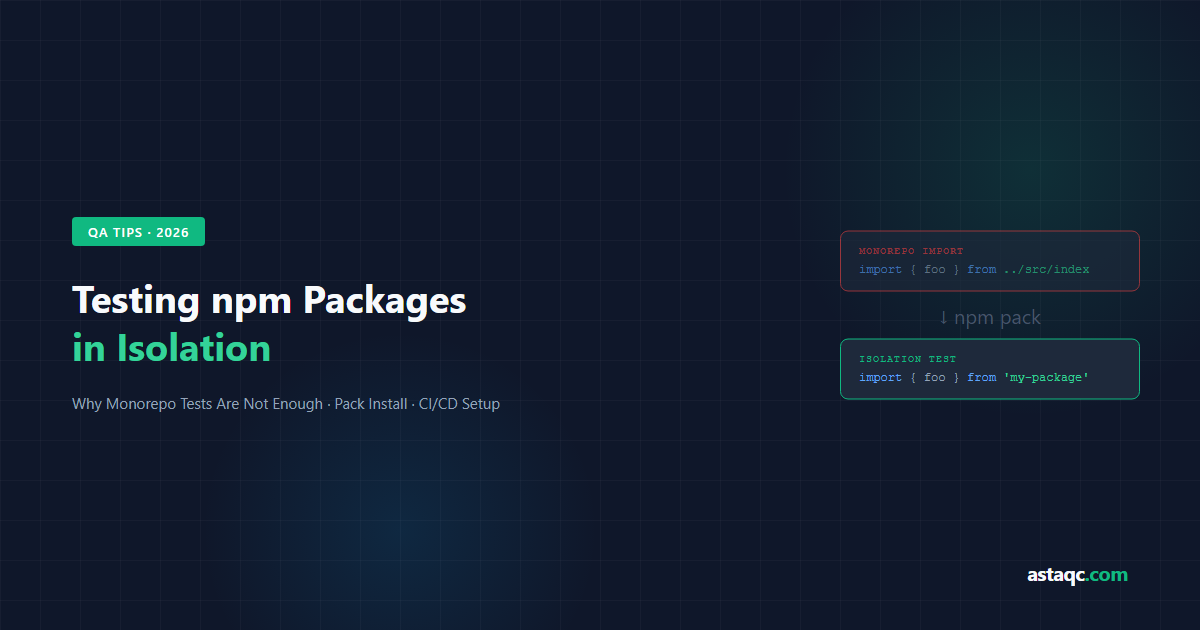
Step 3: Run the isolation tests. Copy your isolation test files into the consumer directory and run them with the consumer project's Node.js resolution. The test files should import the package using its published package name — import { foo } from 'my-package' — not via a relative path, so they go through the same module resolution path that a real consumer would use.
For TypeScript type checking in the isolation environment, use tsc --noEmit with a minimal tsconfig that points at the consumer node_modules. This validates that the distributed .d.ts files are correct and complete — it will fail if the package's type declarations have missing exports, incorrect generic constraints, or type errors in the public API surface. TypeScript errors in isolation that do not appear in the monorepo are almost always caused by the distributed declarations differing from the source TypeScript definitions.
For teams managing test infrastructure at scale, the test automation services team has built package isolation pipelines for libraries with 20+ downstream consumers.
What to Test That Your Monorepo Tests Miss
Once the isolated environment is set up, the test cases to run there are distinct from the unit tests in the monorepo. The monorepo tests validate implementation behavior — edge cases in the business logic, internal utility function correctness, error handling. The isolation tests validate the package's contract as a distributable artifact — what a consumer can and cannot import, how the exports resolve, and what breaks at the boundary between the package and its consumers.
Export surface validation: Write a test that imports every named export documented in the package's public API and asserts that each import resolves to the correct type (function, class, constant). This catches the common bug where a refactor renames an internal module and forgets to update the exports barrel file, leaving the public export undefined. The test does not need to exercise the full functionality of each export — just that it resolves to something of the right shape.
CJS and ESM entry point validation: If your package ships both CJS and ESM builds (the most common configuration for packages targeting both Node.js and browser bundlers), write separate test scripts for each format. For Node.js, use dynamic require() for CJS and native import for ESM. The test does not need to be comprehensive — it just needs to load the package entry point and call a simple exported function to confirm the module system resolved correctly:
# CJS test
node -e "const { createClient } = require('my-package'); console.log(typeof createClient);"

# ESM test
node --input-type=module -e "import { createClient } from 'my-package'; console.log(typeof createClient);"
Sub-path exports validation: If your package's exports field defines sub-path exports (e.g., my-package/utils, my-package/react), test that each sub-path resolves correctly and that imports from undocumented internal paths fail appropriately. The latter is important: package authors often want to prevent consumers from depending on internal implementation details, and conditional exports with an explicit null fallback enforce this. A test that attempts to import from an internal path and asserts that it throws a resolution error validates the boundary.
Tarball contents validation: Run npm pack --dry-run in CI and assert on the list of files included in the tarball. This catches the common case where a developer adds a large debug file or a source directory to the package root, forgets to exclude it in the files field, and publishes a tarball that is 10x larger than expected. It also catches the reverse: excluding a file that should be distributed, like a CSS bundle or a locale file, that only appears as missing when consumers run in production.
Peer dependency compatibility matrix: If your package declares peer dependencies (React, Vue, specific Node.js versions), create separate isolation environments for each supported peer version and run the same test suite against each. This catches the class of incompatibility where the package works with React 18.2 but breaks with 19.0 due to a changed internal API you were depending on.
For a broader view of where package isolation testing fits in a software quality strategy, see the outsourced QA guide and the manual vs. automated testing guide.
Integrating Package Isolation Tests into CI/CD
Package isolation tests should run as a distinct CI stage rather than alongside the monorepo unit tests. The reasons are practical: isolation tests require a build step first, they run outside the monorepo's node_modules context, and their failure modes are different — a failure in an isolation test means a consumer-facing regression, not an internal implementation bug. Treating them as a separate stage makes the failure signal clearer for the team.
A typical CI pipeline for a TypeScript npm package with isolation tests has this structure:
- Build: Compile TypeScript, bundle assets, generate declarations. Output goes to the dist/ directory. Fail fast on type errors.
- Unit tests (monorepo): Run Jest or Vitest against the source directly. Test implementation logic and edge cases. Fast — typically under 2 minutes.
- Lint and type check: ESLint, TypeScript strict mode. Catch style and type issues in source.
- Pack and isolation test: Run npm pack. Create a temporary consumer directory. Install from the tarball. Run the isolation test suite against the installed package. Validate CJS, ESM, and sub-path exports. Type check the distributed declarations. Assert on tarball contents. This stage takes 3-8 minutes depending on peer dependency matrix size.
- Publish (on release tag): Triggered only on version tags. Publishes to the registry. Never runs before the isolation test stage passes.
For projects using pnpm, the isolation test stage requires care to prevent the monorepo's workspace protocol from interfering with the consumer directory's dependency resolution. Set up the consumer directory with a minimal .npmrc that explicitly opts out of workspace features:
# In the consumer directory's .npmrc
link-workspace-packages=false
prefer-workspace-packages=false
For projects using Turborepo or Nx, configure the isolation test task as a separate pipeline target that depends on the build target but runs after the standard test target. Disabling cache for isolation tests is important because the test creates temporary directories and writes to the filesystem in ways that the cache key does not capture. A cached isolation test run may pass while the actual installed-package behavior has changed.
The isolation test stage should run on every pull request that modifies the package's src/, dist/ configuration, tsconfig.json, package.json exports field, or the package's peer dependencies. The release stage should always require a passing isolation test run, regardless of what changed.
For teams managing several published packages, the testing documentation and software testing guide provide frameworks for scaling this testing strategy across a package portfolio without duplicating setup code across repositories.
Frequently Asked Questions
How is testing an npm package in isolation different from running unit tests?
Unit tests in a monorepo import the package source directly and test implementation behavior — the correctness of business logic, function return values, error handling. Package isolation tests install the compiled, packed tarball in a separate directory and test the package's public contract as a consumer would see it — whether named exports resolve, whether the exports field routes CJS and ESM correctly, whether TypeScript declarations compile, and whether the tarball contains the right files. Both are necessary; they catch different classes of bugs.
Can I use a published beta version instead of a local tarball for isolation testing?
You can, but local tarball testing is preferable for pre-publish validation because it does not require a registry publishing step and produces the exact same artifact a full publish would. Using a beta publish adds a step — the publish itself — that may fail for unrelated reasons (registry availability, authentication). It also creates a published version that may be installed by consumers who follow pre-release tags. Local tarball testing via npm pack gives you the same artifact without the registry dependency.
How do I test a package that has browser-specific behavior in an isolation test?
Use jsdom (via Jest's testEnvironment: jsdom) or a lightweight browser environment like happy-dom for the isolation tests that exercise browser-specific behavior. The key difference from normal Jest setup is that the package must be installed from the tarball in the consumer directory — not from the monorepo source — before Jest runs. For packages that ship separate browser and Node.js bundles via conditional exports, write separate test scripts: one with the Node.js resolver (uses the node condition in the exports field) and one with the browser resolver (uses the browser condition).
What tools exist to automate package isolation testing beyond manual npm pack?
Several tools complement the manual pack-and-install approach. publint validates the package.json exports field and entry points against common packaging mistakes — it is a fast static check that catches most configuration errors without installing the package. are-the-types-wrong (attw) validates TypeScript declaration compatibility across resolution modes (bundler, node10, node16, nodenext). These tools complement but do not replace runtime isolation tests — they catch configuration errors, while runtime tests catch behavioral regressions in the compiled output.
Should isolation tests use the same test framework as the monorepo unit tests?
Using the same test framework (Jest, Vitest, Mocha) is convenient but not required. The more important factor is that the test runner in the isolation environment uses the consumer directory's installed copy of the framework — not the monorepo's hoisted version. For teams that want simplicity, Node.js's built-in test runner (node:test, available since Node 18) requires no installation and works reliably in isolated consumer directories without risk of cross-contamination with the monorepo's toolchain.
How do I handle packages with native addons or binary assets in isolation tests?
Native addons require the package to be built for the target platform before packing. Use npm pack after the native build step, and test the tarball on the same platform and Node.js version combination you intend to publish for. For multi-platform packages, CI matrix builds are the standard approach — run the build, pack, and isolation tests on each target platform in separate CI jobs. Never test a native addon built for one platform on another; the isolation test will appear to pass because Node.js will refuse to load the addon and the package's fallback behavior, if any, will run instead.
For teams building shared component libraries or infrastructure packages for internal use, the software testing services team offers package quality audits that cover the full publishing lifecycle, from monorepo source to consumer compatibility validation. See hire a QA team for engagement options.
Monorepo tests validate implementation behavior. Package isolation tests validate the published contract. Both are necessary — but only isolation tests catch the class of bugs that reach consumers: broken exports, missing declarations, and incorrect conditional entry points.

Astaqc Team
November 26, 2026