August 15, 2026
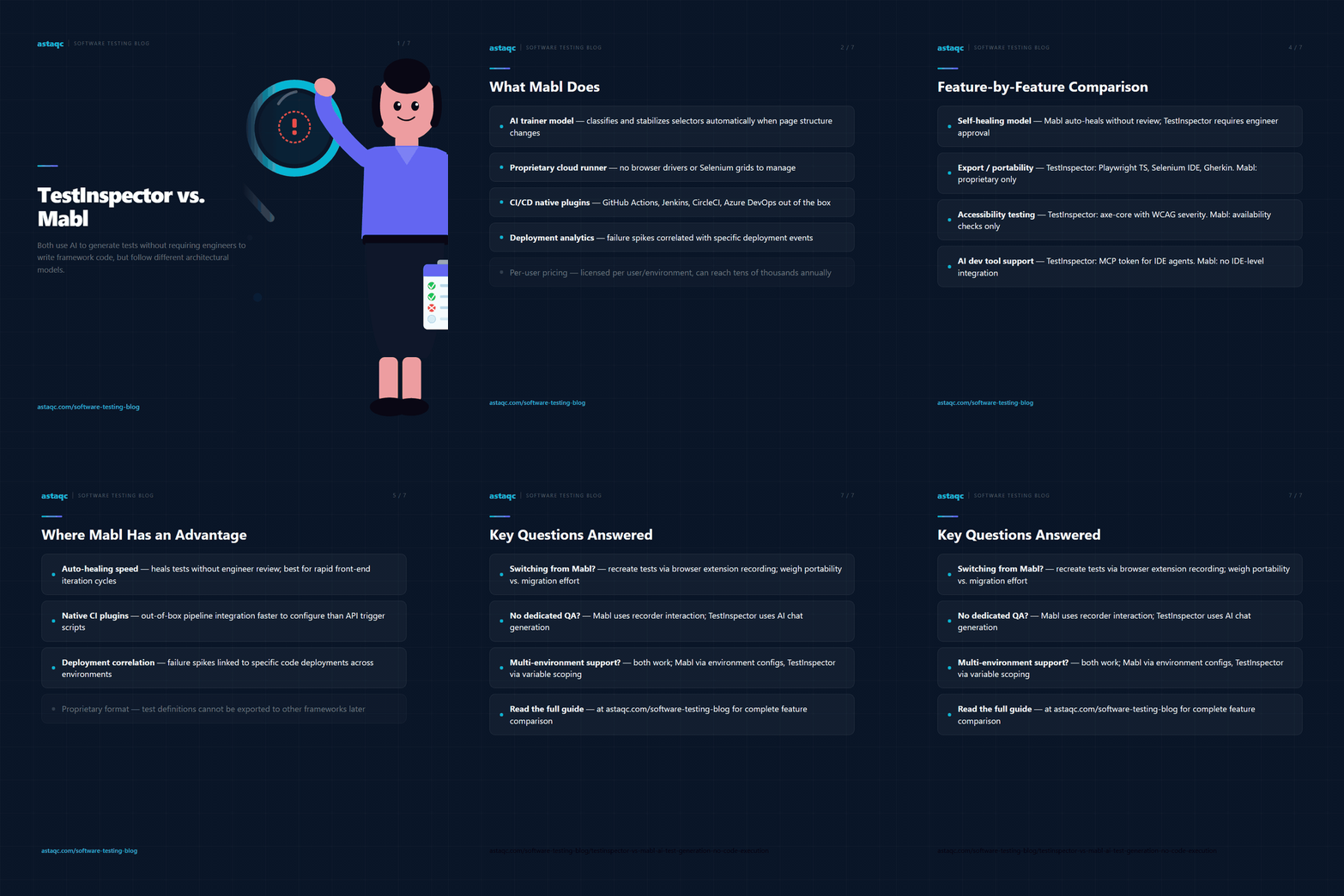
TestInspector and Mabl both use AI to generate and maintain automated tests without requiring engineers to write framework code, but they follow different architectural models. Mabl integrates AI as an enhancement layer on top of a proprietary test runner, adding self-healing and low-code authoring to a platform built around recorded test flows. TestInspector builds AI generation and no-code execution as the primary interface, with an AI chat model generating tests as structured steps that run on Selenium across major browsers. Teams choosing between these tools need to understand how each handles test creation, selector maintenance, CI/CD integration, and test data management before evaluating AI capability claims in isolation.
This comparison covers both tools honestly: what each does well, where each has limitations, and which team profiles are better served by each architecture. Teams that need test automation depth alongside Astaqc's test automation services can combine tool selection with an expert review of coverage gaps. For teams new to structured test automation, the manual vs. automated testing guide covers how to frame the tool choice within a broader automation strategy.
Mabl is a cloud-based continuous testing platform built for web application testing. Its authoring model starts with a browser-based recorder that captures user interactions, then applies AI to classify and stabilize element selectors so that tests recover automatically when page structure changes. Mabl's AI layer, which it calls “trainer,” generates auto-healing suggestions when a locator fails, proposes assertion recommendations based on page content, and flags potential regressions by comparing test run outcomes across builds.
Mabl runs tests in its own cloud infrastructure, removing the need for teams to manage browser drivers or Selenium grids. It supports parallel execution across multiple browsers and provides a reporting dashboard that correlates test failures with deployment events via CI/CD integrations for Jenkins, GitHub Actions, CircleCI, and similar pipelines. Mabl also offers a native integration with Jira and Slack for failure notifications and test management.
Mabl's AI capabilities are strongest in element healing and regression detection. Its trainer model monitors which locator strategies have been stable across test runs and adjusts the resolution order accordingly. When an element cannot be found by the primary locator, Mabl falls back through a set of alternative locators learned from prior test runs rather than failing immediately. This approach reduces selector maintenance work for teams whose applications undergo frequent front-end changes. Mabl is positioned at the higher end of the no-code testing market by price; it is licensed per user and per environment, with pricing typically reaching into the mid-thousands to tens-of-thousands range annually depending on team size and CI execution volume.
TestInspector generates tests through an AI chat interface: engineers describe what a test should verify in plain language, and the AI generates a structured step sequence. Each step is a discrete unit specifying an action type, a target selector or HTTP endpoint, expected outcomes, and test data variables. Steps are not code but structured records that the test runner executes via Selenium on Chrome, Firefox, Edge, or Safari — the same browsers Selenium Grid targets. Because steps are structured rather than generated source code, they can be read, edited, and maintained by engineers who do not write framework code.
TestInspector's self-healing works differently from Mabl's trainer model. When a step fails because a selector no longer resolves, TestInspector applies AI to suggest alternative selectors from the current DOM, presents those suggestions to the engineer for review, and updates the step when the engineer approves. This is a semi-automatic approach: the AI does the analysis, but the engineer decides which alternative is correct. Mabl's approach applies healing automatically without requiring a manual approval step. Which model is preferable depends on whether the team values speed of recovery (Mabl) or oversight of what was changed and why (TestInspector).
TestInspector also covers API testing through HTTP request steps (GET, POST, PUT, PATCH, DELETE) with status code and response body assertions, accessibility testing via axe-core integration with configurable WCAG severity levels, and visual regression through SSIM screenshot comparison with baseline approval and cropping support. It includes variable interpolation with {{VAR}}, {{TIMESTAMP}}, {{ALPHANUMERIC}}, and {{TOTP:secret}} for test data, with variables scoped at the test, suite, or organization level. Scheduling is available via cron, interval, or one-time triggers. CI/CD integration runs via a trigger API rather than a native plugin, and an MCP token allows Claude Code, Cursor, or Claude Desktop to interact with TestInspector directly for AI-driven test generation. More on the TestInspector feature set at astaqc.com/test-inspector.
| Feature | TestInspector | Mabl |
|---|---|---|
| Test authoring model | AI chat generates structured steps; browser extension for recording | Browser recorder with AI-assisted test generation |
| Self-healing | AI suggests alternative selectors; engineer approves before updating | Automatic healing via trainer model; no approval step required |
| Test execution environment | Selenium on Chrome, Firefox, Edge, Safari; Astaqc-managed cloud | Mabl cloud infrastructure; proprietary runner |
| API testing | HTTP request steps with status/body assertions | API testing available; integrated with UI flows |
| Accessibility testing | axe-core integration with WCAG severity levels | Availability checks; no native axe-core integration |
| Visual regression | SSIM screenshot comparison with baseline approval and crop support | Visual AI comparison across test runs |
| Test data management | {{VAR}}, {{TIMESTAMP}}, {{ALPHANUMERIC}}, {{TOTP:secret}}; scoped at test/suite/org; encrypted storage | Variables and data tables; environment-level variable sets |
| Scheduling | Cron, interval, one-time triggers | Scheduled test plans with environment targeting |
| CI/CD integration | Trigger API for any CI platform | Native plugins for GitHub Actions, Jenkins, CircleCI, Azure DevOps |
| AI coding tool integration | MCP token for Claude Code, Cursor, Claude Desktop | No MCP or IDE-level AI tool integration |
| Export / portability | Exports to Playwright TypeScript, Selenium IDE (.side), Gherkin | Test definitions are proprietary; limited export options |
| Team management | Multi-tenant orgs with owner/admin/member roles | Role-based access with workspace and environment scoping |
| Run streaming | Live WebSocket run streaming | Real-time run status in Mabl dashboard |
The comparison reveals that both tools cover the core use case — AI-assisted no-code browser automation with self-healing — but differ significantly in how automation happens under the hood and which adjacent testing concerns each tool addresses.
Mabl's automatic self-healing is a genuine productivity advantage for teams whose front-end changes frequently. When a locator fails, Mabl's trainer model heals the test without requiring an engineer to review and approve each change. For teams running large test suites across applications with rapid UI iteration cycles, eliminating the manual approval step can significantly reduce maintenance overhead. TestInspector requires engineer review of healing suggestions, which provides more control but adds a step that Mabl skips entirely.
Mabl's native CI/CD plugins provide tighter out-of-box integration with GitHub Actions, Jenkins, CircleCI, and Azure DevOps than TestInspector's API-based trigger approach. Teams that want pass/fail gates integrated directly into their pipeline configuration files without writing additional API call logic will find Mabl's plugin model faster to configure initially. TestInspector's trigger API achieves the same outcome but requires a curl command or script step in the pipeline configuration, which is a minor setup overhead rather than a fundamental capability difference.
Mabl's test reporting and analytics are more developed for teams that need visibility across large test portfolios. Mabl provides trend analysis, environment-level comparison reports, and deployment correlation features that make it easier to identify whether a failure spike followed a specific deployment. TestInspector provides run history and pass/fail trend data but does not currently offer the same depth of deployment-correlated analytics that Mabl has built for enterprise continuous testing workflows.
For teams evaluating broader software testing services that include CI/CD pipeline configuration and reporting infrastructure, the Mabl toolchain may require less custom integration work in environments where enterprise reporting depth is a priority. Teams that need manual testing coverage alongside automated regression will find that both tools complement manual workflows similarly.
TestInspector is the better fit for teams that want AI-assisted test generation without vendor lock-in and without surrendering control over what changes after a selector heals. The export capability — Playwright TypeScript, Selenium IDE, Gherkin — means test assets are portable if the team decides to migrate to a code-first framework later. Mabl's proprietary test format does not offer comparable export, which creates dependency on Mabl's platform for all test execution, modification, and reporting.
The MCP token integration is a meaningful differentiator for teams working in AI-augmented development environments. Engineers using Claude Code, Cursor, or Claude Desktop can generate TestInspector tests directly from their development context without switching to a separate test authoring interface. Mabl does not currently offer this level of AI coding tool integration. For teams whose development workflow is increasingly AI-assisted, this integration reduces the friction between code changes and test coverage updates.
Teams that need TOTP support for 2FA flows, axe-core accessibility assertions, and SSIM visual regression in a single tool without adding separate plugins will find TestInspector covers these concerns natively. Mabl handles visual testing and accessibility checks but at different depth levels than TestInspector's dedicated axe-core integration. For teams where accessibility testing is a formal compliance requirement rather than an ad hoc check, TestInspector's configurable WCAG severity levels provide more precise control.
The structured step model also makes TestInspector easier to evaluate for quality: an engineer can read a test definition and verify that it tests the correct behavior without running it first, because steps are explicit about what they assert and why. Recorded test flows in Mabl are harder to audit at a glance because they reflect DOM interactions rather than explicit assertions about application behavior. For teams where test review is part of a quality process that includes non-automation engineers, readable structured steps lower the review cost.
Teams deciding between these tools can use Astaqc's QA team to evaluate both tools against their specific application architecture and team structure. For teams building out test automation coverage from a low baseline, the AI in software testing guide covers how no-code tools like TestInspector and Mabl fit into a modern testing stack.
Teams on Mabl can migrate to TestInspector, but migration requires recreating test definitions because Mabl's format does not export to TestInspector's step model. If the team has a large suite of Mabl tests and automatic self-healing is central to their workflow, the migration effort should be weighed against the benefits of the MCP integration and export portability that TestInspector provides. TestInspector's browser extension can record interactions as a starting point for re-creating tests.
TestInspector supports environment-level variable sets through its variable scoping model, where variables are set at the test, suite, or organization level. This allows the same test to run against staging, UAT, or production environments by changing the environment-level variable values. Mabl's environment model provides a dedicated environment configuration layer in its dashboard. Both approaches achieve multi-environment test execution; Mabl's UI makes environment switching more visible, while TestInspector's variable system requires deliberate variable hierarchy planning.
Mabl is positioned at the higher end of the no-code testing market, with per-user licensing and environment-based pricing that can reach tens of thousands annually for larger teams. TestInspector's pricing is not public, but its architecture targets teams that need AI-native automation without enterprise-tier pricing requirements. Teams should request pricing from both vendors based on their specific team size and execution volume before making a cost comparison.
Both tools are designed to reduce the specialist knowledge required to create automated tests. Mabl's recorder model allows non-technical contributors to create test flows by interacting with the application. TestInspector's AI chat interface allows non-technical contributors to describe test scenarios in plain language and receive structured step sequences. Neither requires writing Selenium or Playwright code. The choice depends more on whether the team prefers recorder-based interaction (Mabl) or conversational AI generation (TestInspector).
Mabl reports test failures in its dashboard with screenshot and DOM snapshot evidence, notifies via Jira and Slack integrations, and correlates failure spikes with deployment events through its CI pipeline data. TestInspector provides run logs and live WebSocket streaming during execution, with post-run failure details including step-level screenshots and AI selector suggestions for failed locators. Mabl's deployment correlation reporting is more advanced for teams that need to trace failures back to specific code changes across environments.
The distinction between Mabl and TestInspector is not which tool claims more AI capability — both use AI heavily. It is whether the team wants fully automatic healing and a proprietary cloud runner, or structured step transparency and Selenium-native execution where the engineer approves each change before it propagates.
August 15, 2026


Sign up to receive and connect to our newsletter

We founded ASTAQC as a tight-knit group of professional Software Testers and software developers.
Subscribe to our Newsletter